
Stop Applying Power
Moisture, residue or corrosion around the PCB, motor contacts or internal components can create additional damage when power is applied.
Water-damaged hard drive data recovery requires a different approach from an ordinary failed drive. After flooding, submersion or liquid contamination, the priority is to preserve the hard drive, determine where contamination has reached and prevent additional damage before recovery begins.
A water-damaged hard drive should not be powered on simply to see whether it still works. Moisture, conductive residue, corrosion or contamination inside the drive can turn a recoverable case into electrical damage, head failure or platter damage. Controlled water damage hard drive recovery begins with preservation and inspection, not repeated startup attempts.
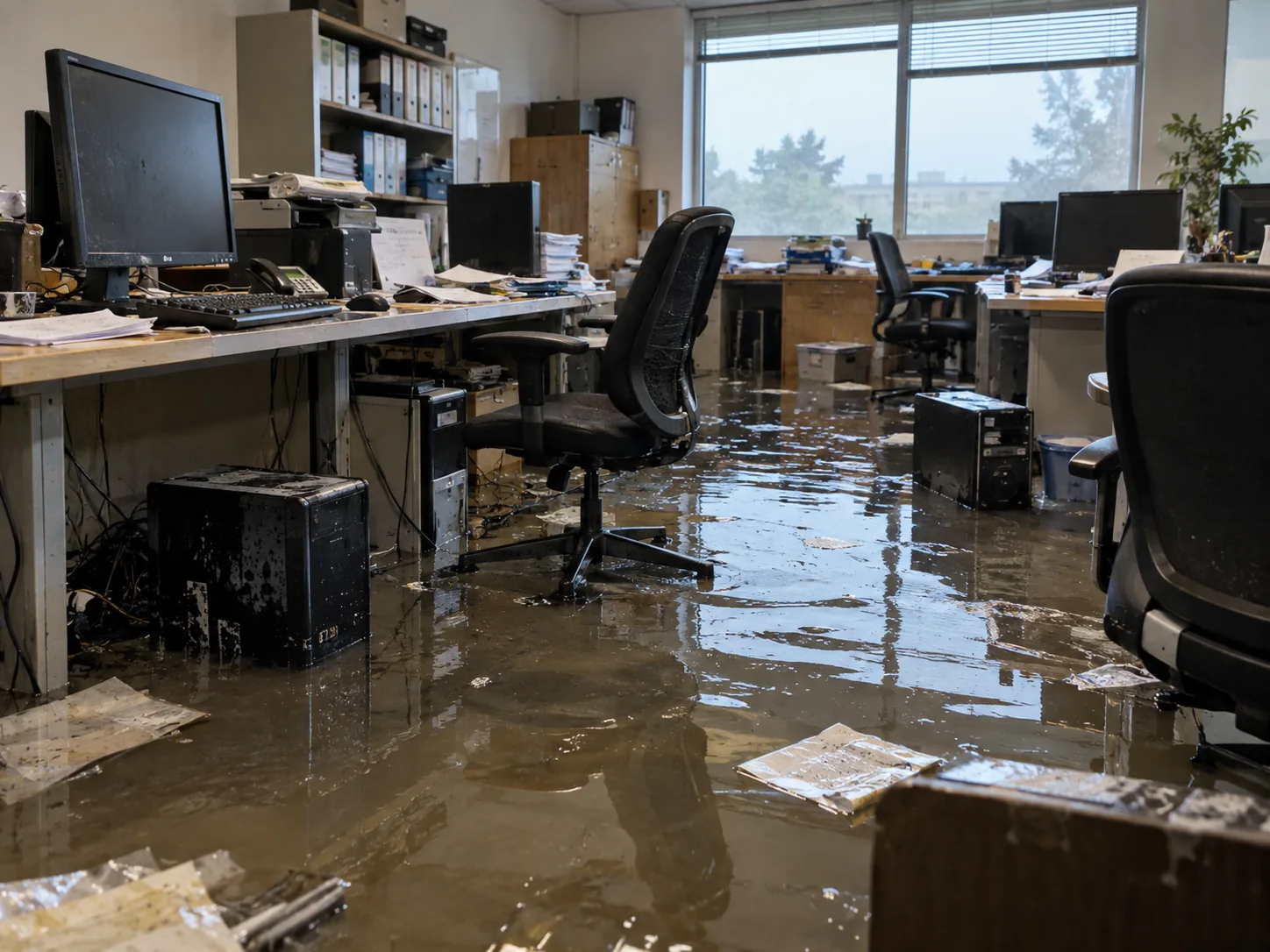
If a hard drive has been submerged or exposed to significant water contamination, repeated startup attempts should be avoided. Drying the exterior does not establish that the inside is clean or safe to operate.
Moisture, residue or corrosion around the PCB, motor contacts or internal components can create additional damage when power is applied.
Internal contamination needs to be evaluated under controlled conditions. Opening the drive casually can introduce additional particles and alter evidence.
Keep the device protected from further impact or handling and record what happened, including the type of water and whether it was powered afterward.
The safest recovery path is chosen after the electronics, internal components and recording surfaces have been assessed.
Water damage is often treated as a moisture problem. In data recovery, it is more accurately treated as a contamination problem.
Water can carry minerals, salts, dirt, organic material, cleaning chemicals, fire-suppression residue and other contaminants. Even after visible moisture has evaporated, residue can remain on electronic components, connectors, mechanical surfaces and internal drive components.
Corrosion may also continue after the initial event. A drive that appears unchanged on the first day can deteriorate over time as oxidation progresses.
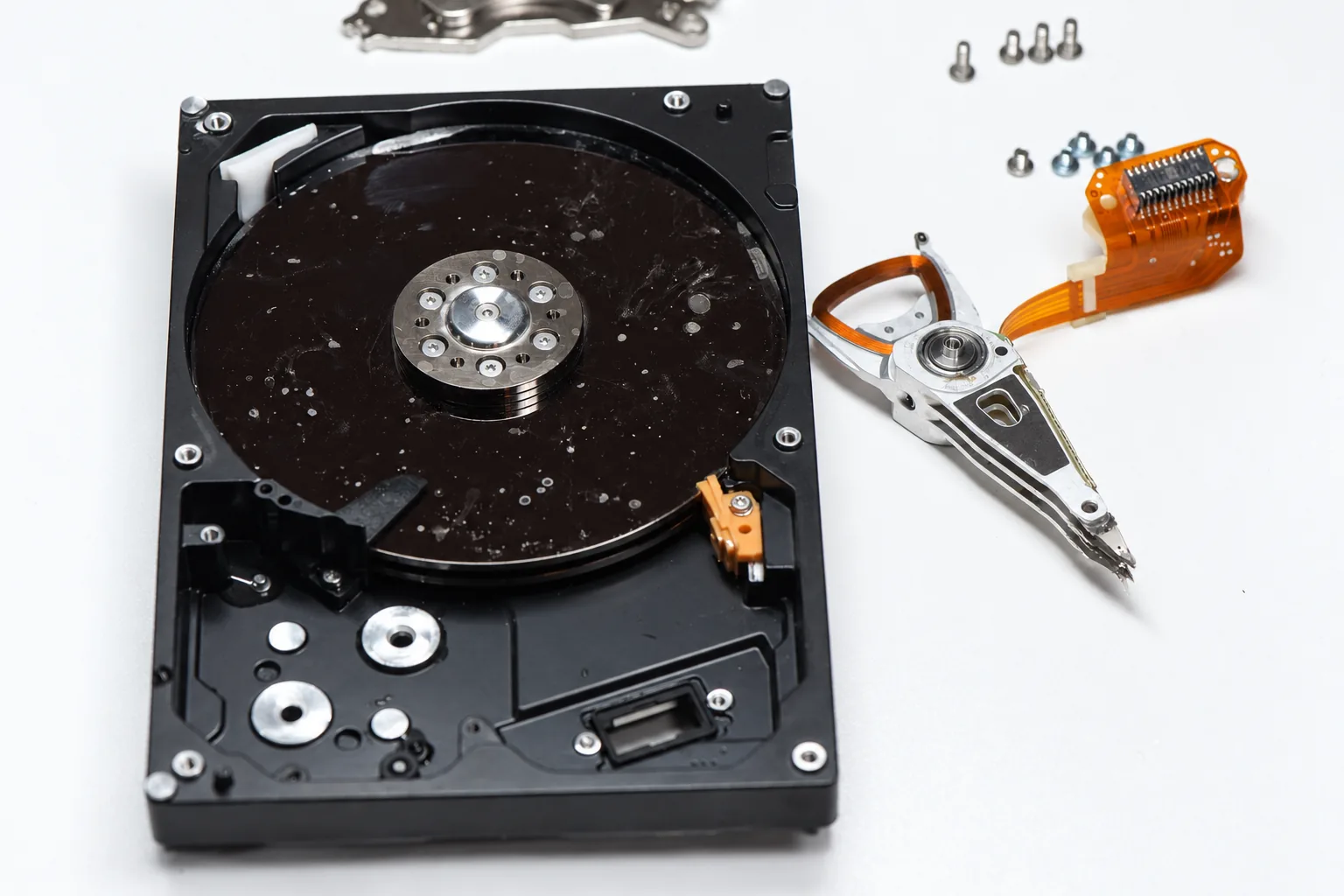
Conventional air-filled hard drives should not be treated as watertight devices. After significant submersion, the drive should be treated as having a potential internal contamination problem even if the exterior appears clean.
Water and residue may affect the PCB and electrical contacts, but internal components can also be involved, including the head assembly, spindle area, internal filters, parking ramp, actuator components and platter surfaces.
Helium-filled drives use a different sealed construction, but they should still be evaluated individually after flood or liquid exposure rather than assumed safe solely because of the enclosure design.
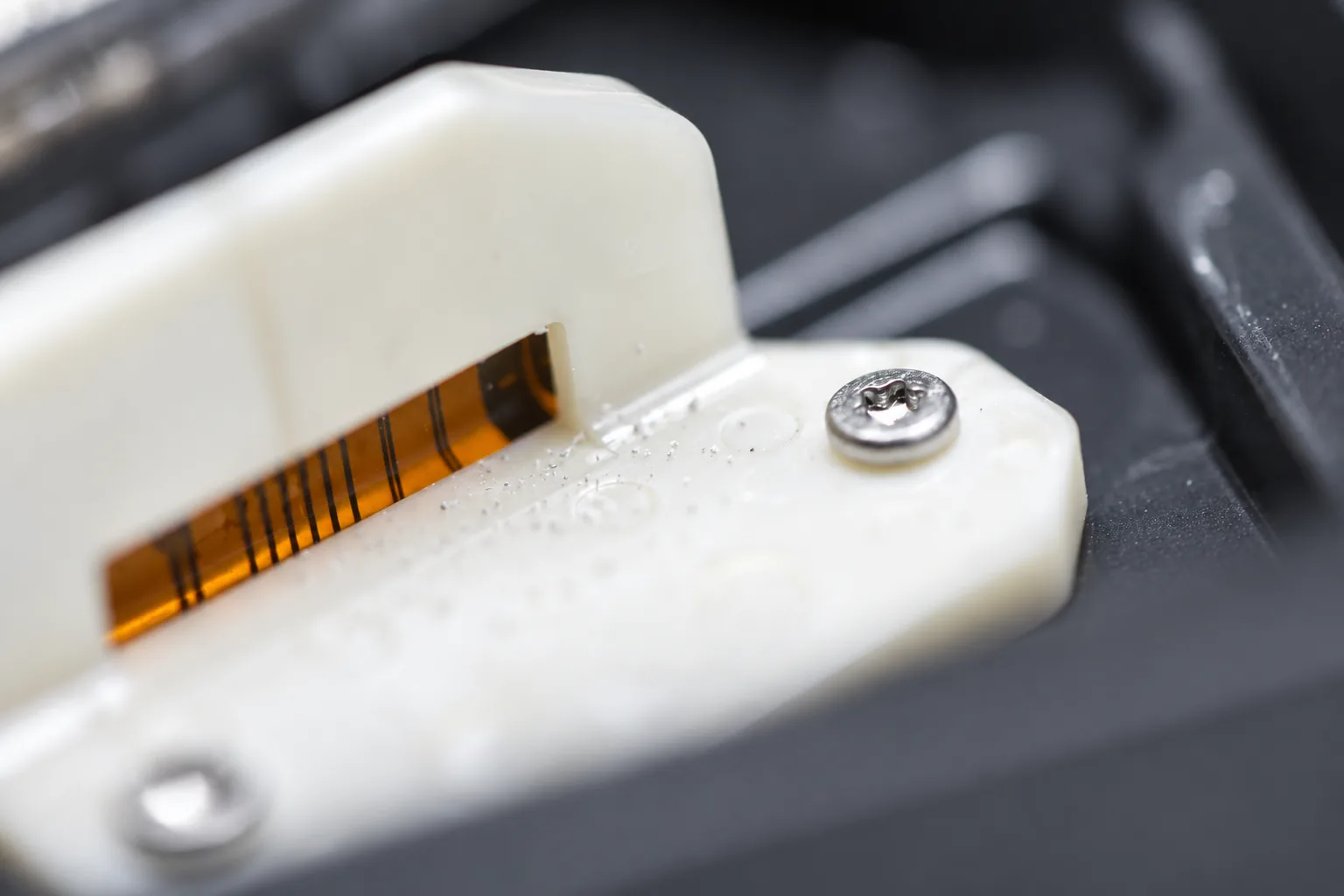
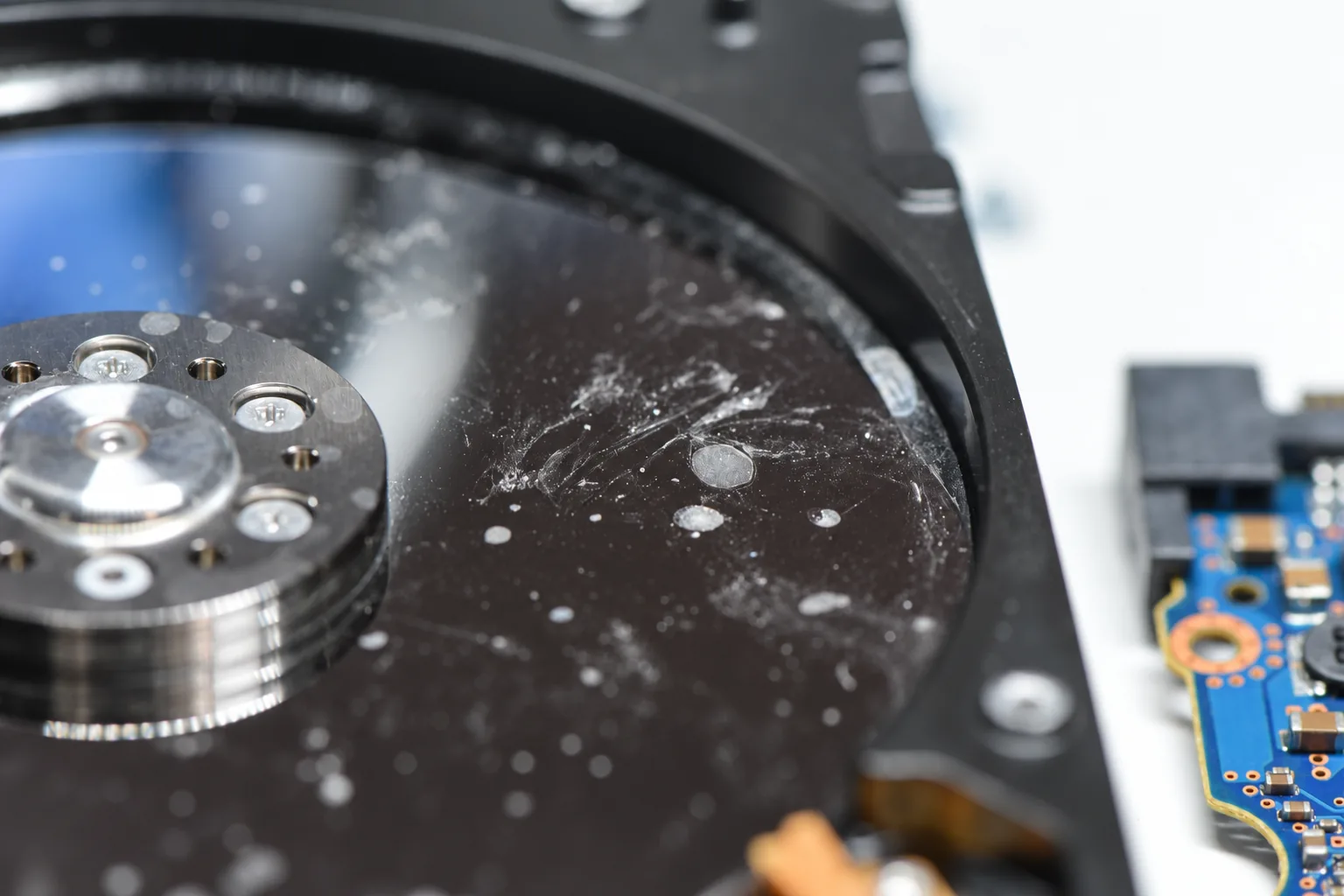
One of the most misleading observations in a water-damaged hard drive is a clean-looking upper platter surface.
Multi-platter hard drives contain recording surfaces that cannot be evaluated simply by looking at the top surface. Moisture, residue, oxidation or contamination may be present on lower platter surfaces even when the upper surface appears clean.
The head stack travels across multiple recording surfaces. If contamination remains on one of those surfaces, attempting to spin the drive can allow the heads to encounter or redistribute that material.
The read/write heads operate extremely close to the platter surfaces. If water residue, corrosion products or particulate contamination is present inside the drive, spinning the platters can introduce that material into the head-to-media interface.
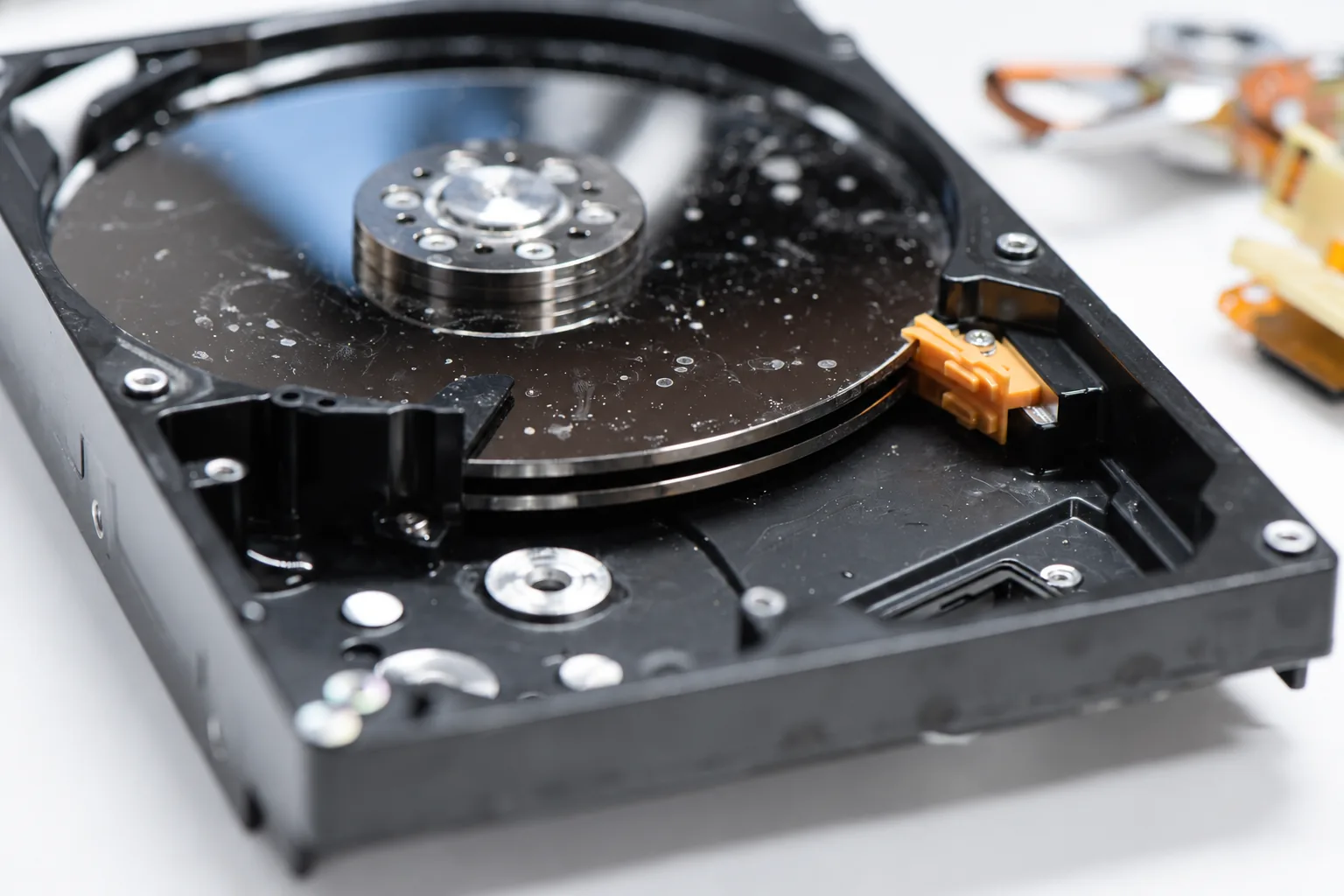
Residue or particles can interfere with normal head flight and reduce the chance of stable imaging.
Material that was initially localized can be redistributed once the platter stack begins rotating.
Contaminated surfaces can contribute to unstable flight or contact with the recording surface.
The purpose of the inspection is to determine what can safely remain in the original drive and what must be cleaned, repaired, replaced, transferred or isolated before imaging is attempted.
Visible corrosion, residue, connector condition and signs of previous power-on attempts or handling are recorded.
The electronics are checked for oxidation, conductive residue, damaged protection components and corrosion around motor and head contacts.
Where required, the head assembly, actuator components, spindle area, internal surfaces and filters are inspected under controlled conditions.
The visible upper surface is not treated as representative of every recording surface in a multi-platter drive.
Residual salts, minerals and other contaminants can continue reacting with exposed metals and electrical contacts after visible moisture disappears.
PCB traces, connector pads, motor contacts, head contacts and other conductive surfaces can deteriorate after the original flooding event. Saltwater and contaminated floodwater are especially problematic because the residue can be both conductive and corrosive.
Preservation does not mean periodically powering the device to see whether it has recovered. It means keeping it from unnecessary operation while its condition is assessed.
Severe water contamination can make the original hard drive chassis unsuitable for safe recovery. Corrosion, contamination around the spindle assembly, internal residue, damaged mechanical components or an unsafe operating environment can make it preferable to rebuild the drive using compatible donor components.
In some cases, this can require transferring the platter stack into a compatible clean donor chassis rather than attempting to operate the original assembly.
A platter transfer is not a routine first step. Platter alignment, drive construction, head compatibility, spindle geometry and the condition of the recording surfaces all have to be considered before such a procedure is chosen.
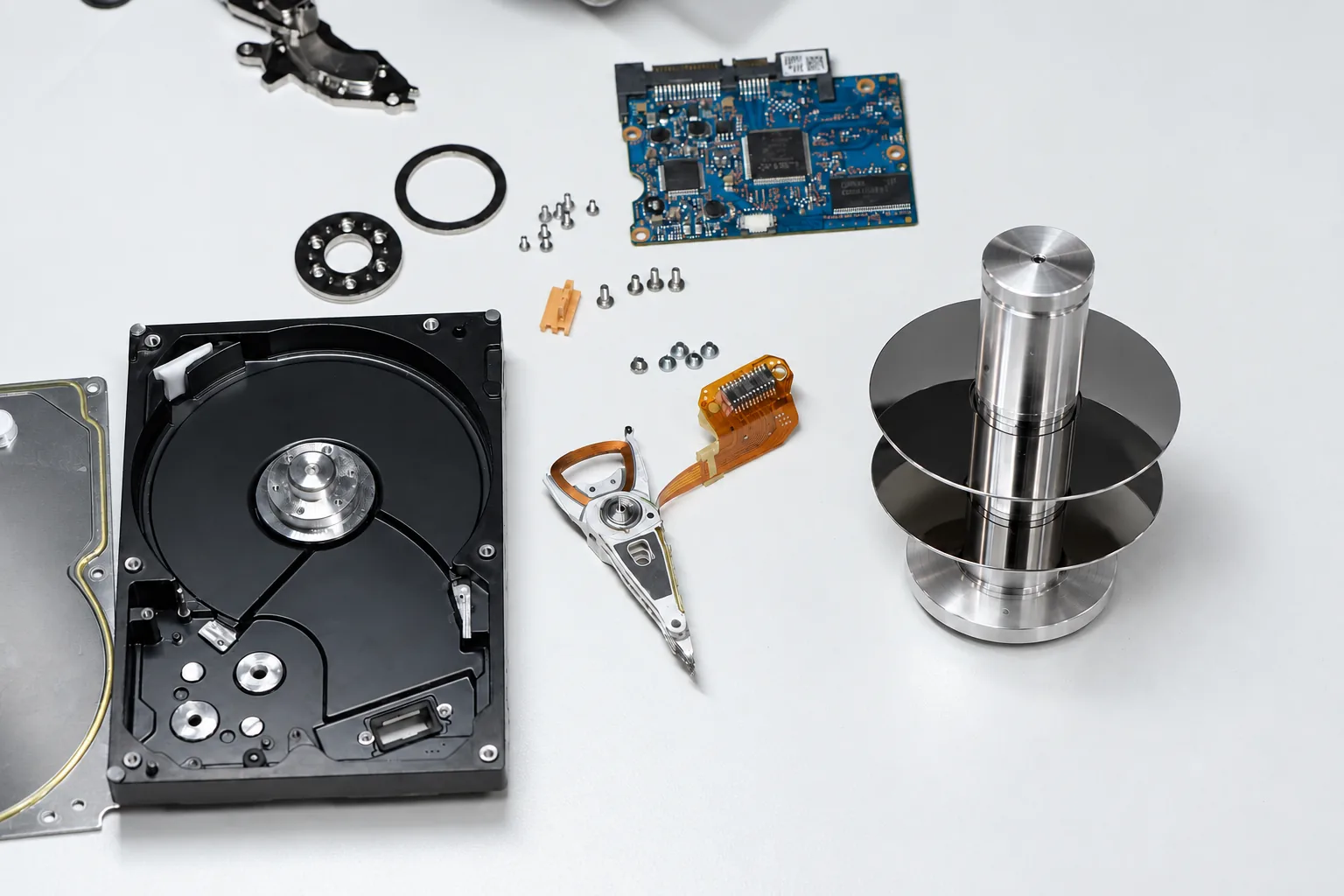
PCB corrosion can range from superficial oxidation to serious damage involving traces, protection devices, motor-control circuitry, ROM components or connectors. The correct approach depends on what has actually been affected.
Conductive residue and oxidation are evaluated before the board is powered.
Damaged protection, motor-control or power-path components may require board-level repair.
Drive-specific information may need to be preserved before compatible donor electronics can be used.
Electrical work is performed as part of the larger recovery strategy, not simply to make the drive spin.
Water damage can occur in insurance claims, property disputes, litigation, investigations or other matters where the physical condition of the device may itself be significant.
In those cases, recovery work may need to account for more than the data alone. The incoming condition of the device can be documented before cleaning or disassembly, including visible corrosion, contamination, damage, packaging condition and other relevant observations.
Where evidentiary requirements apply, the scope of work should be established before unnecessary modification of the device occurs.
May leave comparatively limited residue, but internal contamination and corrosion still have to be considered.
Can contain soil, minerals, microorganisms, oils and building contaminants that remain after the device dries.
Highly corrosive and capable of rapidly affecting exposed metals, electronics and contacts.
May be mixed with soot, combustion residue, chemicals and heat-related damage, creating a combined contamination problem.
Recovery begins with preservation and contamination assessment. Controlled access is attempted only after the drive has been placed into a condition suitable for safe imaging.
Water exposure does not automatically mean the recorded data is gone. Flooded hard drive recovery can still be possible when the recording surfaces remain viable and contaminated components are stabilized before access. Recoverability depends on the type of contamination, how long the device remained wet, whether corrosion progressed, whether the drive was powered after the incident, whether the heads contacted contaminated platter surfaces and whether the recording media itself remained intact.
A drive that has never been powered after flooding may present a very different recovery situation from one that was repeatedly connected while contaminated.
The condition of the recording surfaces is ultimately more important than whether the original electronics or mechanical assembly can still be reused. In many cases, the path to recover data from a water-damaged hard drive involves rebuilding only enough of the device to obtain stable sector-level access.
Do not repeatedly connect the drive to a computer, USB enclosure or power supply.
Internal contamination must be evaluated without adding new particles, fingerprints or handling damage.
Note the type of water, duration of exposure, whether it was powered afterward and any recovery attempts already made.
If evidence preservation matters, tell us before cleaning or disassembly begins.
Drying the drive does not remove dissolved minerals, salts, corrosion products or other contamination. A drive that appears dry externally can still contain residue internally, and powering it before inspection can create additional damage.
Conventional air-filled hard drives should not be treated as watertight devices. After significant submersion, internal contamination should be considered possible and evaluated accordingly. Helium-filled drives use a different sealed construction.
That does not establish that the lower platter surfaces are clean. A multi-platter drive contains several recording surfaces, and contamination may be present where it cannot be seen during a simple top-side inspection.
Sometimes. The extent of corrosion and electrical damage has to be evaluated first. Cleaning, component-level repair, ROM preservation or compatible donor electronics may be required depending on the drive.
No. It is an advanced procedure used when the original mechanical environment is no longer considered safe or suitable for controlled recovery. Many water-damaged drives can be handled without moving the platter stack.
Potentially, yes, but saltwater creates a particularly aggressive corrosion and contamination problem. The device should not be powered and should be evaluated as soon as practical.
Stop further attempts. Previous power-on attempts do not automatically make recovery impossible, but they can affect the electronics, heads and platter surfaces and should be included in the case history.
A drive that has experienced significant water contamination should not be considered reliable long-term storage simply because recovery was successful. Recovery work is focused on extracting the data, not returning the damaged device to service.
Water and flood damage cases are often shipped to us because the device should not be repeatedly tested before specialist evaluation. We accept hard drive recovery cases from across Canada, the United States and internationally.
Before shipping, open a recovery case and describe the incident as accurately as possible: the type of water involved, whether the drive was fully submerged, how long it remained exposed, whether it was powered afterward and whether any previous recovery work has been attempted.
For legal, insurance or evidentiary matters, tell us before the device is cleaned, opened or otherwise altered so the required preservation and documentation scope can be considered first.
If a hard drive or external hard drive has been flooded, submerged or exposed to water, stop powering it on and preserve it in its current condition. We can also evaluate water-damaged SSDs and other storage media, but this page focuses on hard drive recovery where internal mechanical contamination is a major concern.
Tell us what happened, what type of water was involved, whether the device was submerged, whether it was powered afterward and whether anyone has already attempted recovery.