
MPE / MPG Series
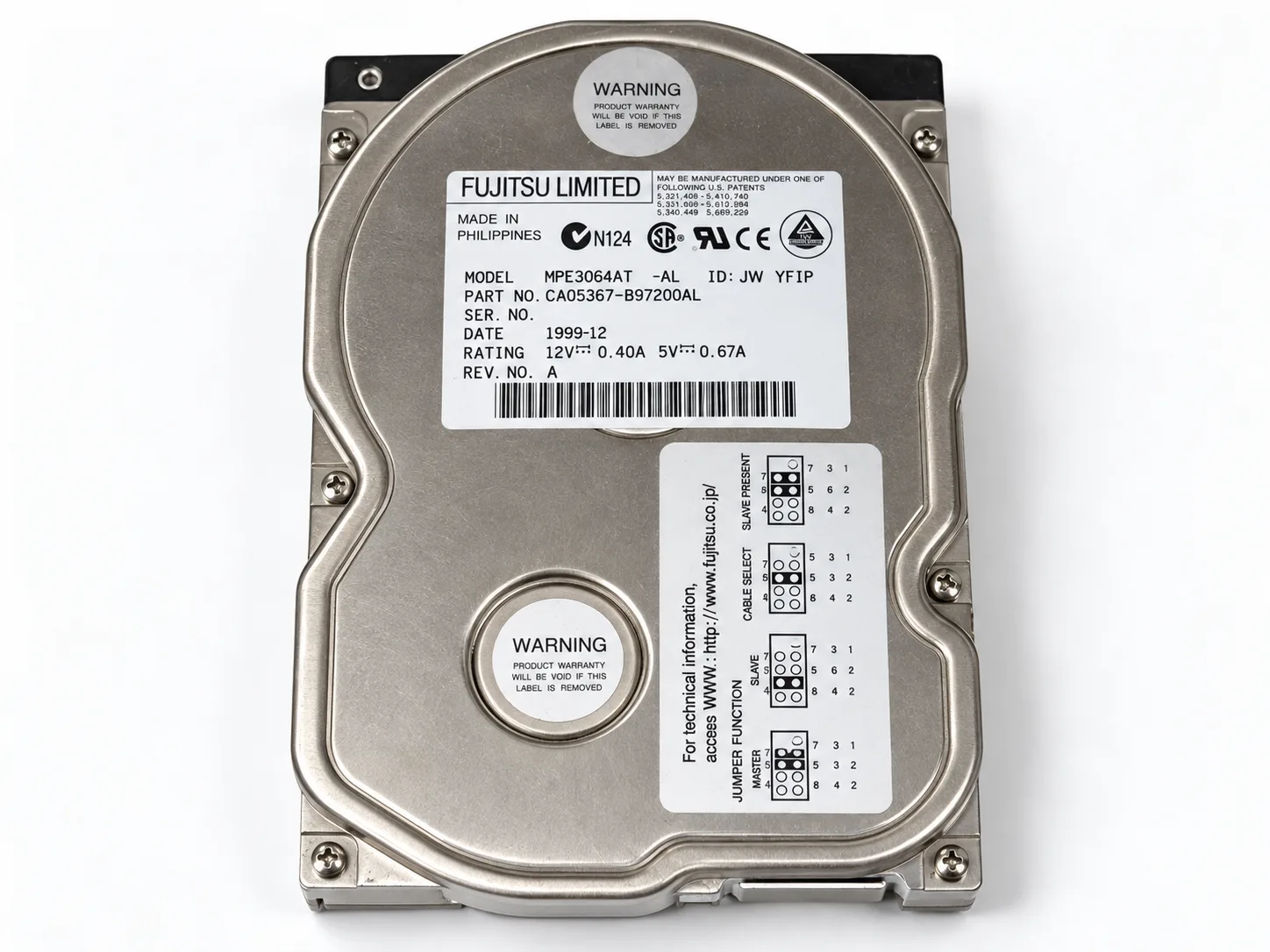
Older 3.5-inch Fujitsu desktop hard drives using legacy ATA / IDE interfaces, commonly found in older PCs and archived systems.
Have an old Fujitsu hard drive that clicks, no longer spins, disappears from BIOS or contains unreadable sectors? Aesonlabs provides professional Fujitsu data recovery for legacy desktop, laptop, workstation and SCSI hard drives.
We work with older Fujitsu families including MPE, MPG, MHT, MHV, MHW, MHY, MHZ, MJA and enterprise SCSI models. With aging hardware, the priority is to stabilize the drive, protect the remaining media and image it as soon as reliable access is restored.
Exact model information matters on legacy Fujitsu hardware because donor compatibility, head configuration and firmware revisions can vary between families. If your drive is not listed below, send us the model number from the label and we can identify the platform.
Older 3.5-inch Fujitsu desktop hard drives using legacy ATA / IDE interfaces, commonly found in older PCs and archived systems.
2.5-inch laptop hard drives used in older notebook computers, including PATA models with mechanical, PCB, firmware or media-related failures.
Later 2.5-inch Fujitsu laptop families using SATA interfaces, including drives that click, fail to identify or become unstable during reads.
Compact 2.5-inch Fujitsu drives found in older portable systems and external storage devices, where donor availability becomes increasingly important.
Enterprise Fujitsu SCSI families used in older servers, workstations and storage systems where interface support and exact family identification are essential.
We can evaluate less common Fujitsu hard drives as well. Send the exact model, capacity and interface type and we will confirm the appropriate recovery path.
Weak or failed read/write heads can prevent a Fujitsu drive from initializing normally and may cause repeated clicking or recalibration attempts.
PCB faults, motor problems, seized mechanical components or aging electronics can leave an older Fujitsu drive completely silent when power is applied.
Firmware, Service Area, electronics or head problems can cause a drive to spin normally while failing to identify correctly to the host system.
Some drives still identify but freeze during reads, disappear under load or contain unstable areas that require controlled hardware imaging instead of normal file copying.
Fujitsu hard drives are now old enough that compatible donor parts can be difficult to source. Matching heads, PCBs, motors or donor chassis may be necessary before mechanical or electronic recovery work can begin.
Once stable access is restored, the priority is to image the drive to separate storage. We do not depend on an aging Fujitsu drive remaining stable while individual files are copied one at a time.
We accept Fujitsu data recovery cases by tracked shipment from across Canada, the United States and internationally. Include the exact model number, capacity, interface and a short description of the current symptoms.
If the drive has already been opened, had a PCB replaced or was examined by another recovery company, include that history with the case.
Send the exact model number if possible, along with the capacity, interface and current symptoms. On older drives this helps us identify the family and check donor compatibility before unnecessary testing is performed.
Start with the model, symptoms and the data you need recovered.