Open A Recovery Case Open Case
Toshiba Hard Drive Data Recovery

Toshiba Data Recovery

Professional recovery for failed Toshiba laptop, desktop, portable USB, NAS, surveillance and enterprise hard drives across multiple Toshiba platforms.

Toshiba drives can look very similar from the outside while using different head layouts, firmware structures, PCB architecture and interfaces internally. The exact family matters when deciding how a failed drive should be handled.

MQ & Laptop HDD Canvio Portable Drives P300 / X300 NAS & Enterprise
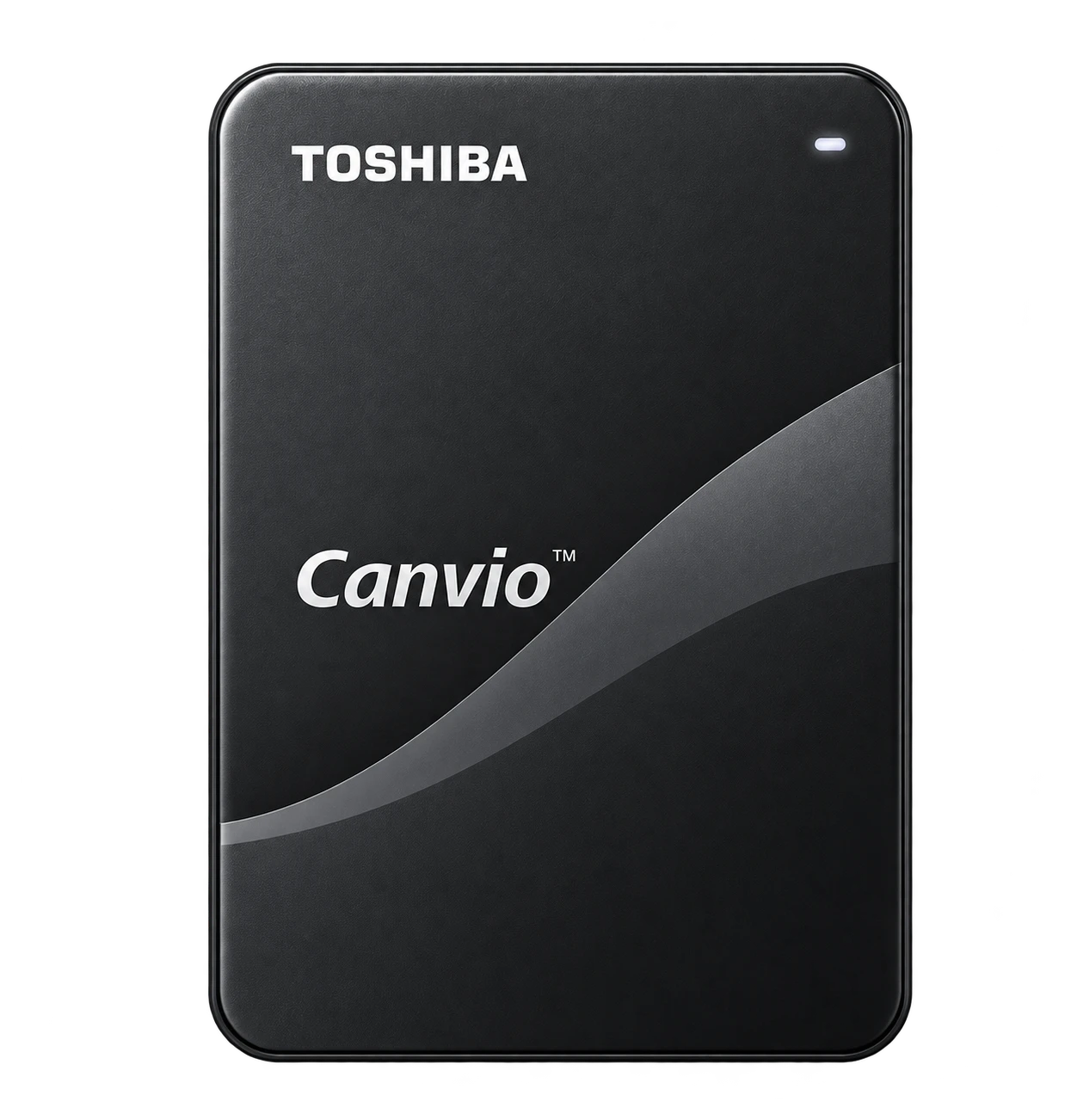
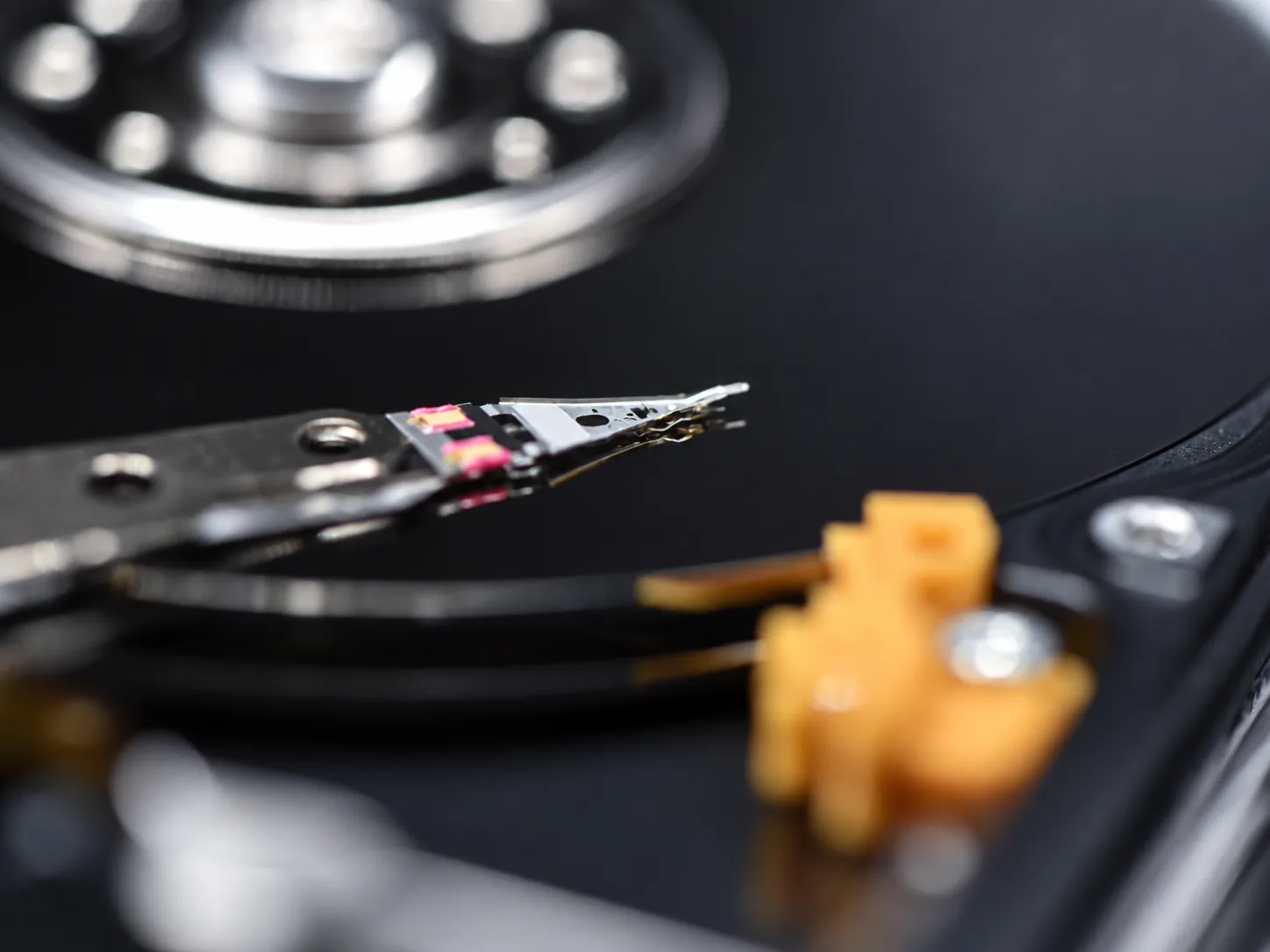
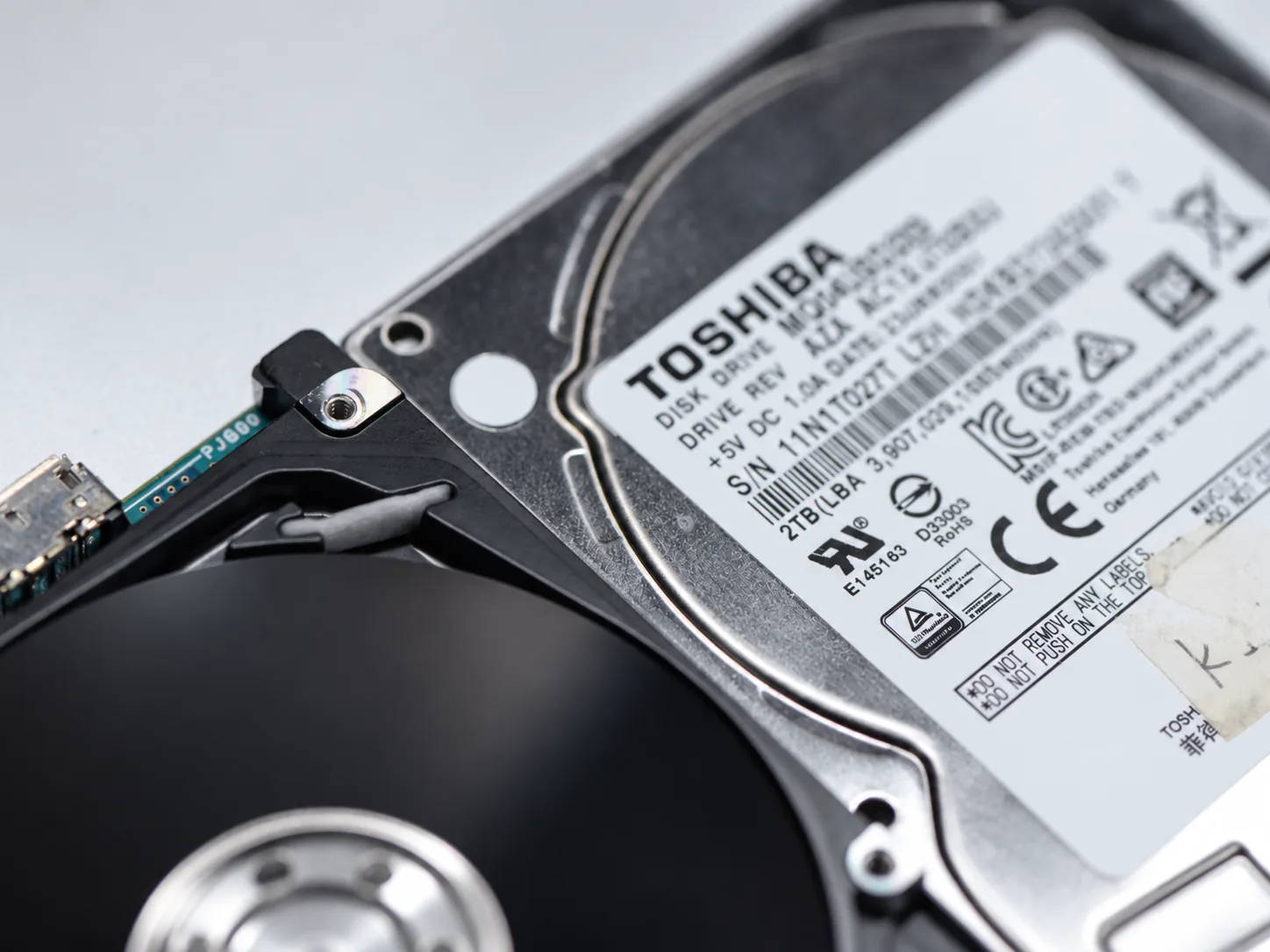
Representative Toshiba hard drives prepared for professional data recovery
Different Families, Different Recovery Paths

Toshiba Recovery Depends on the Exact Drive Platform

Toshiba has a smaller visible hard-drive lineup than Western Digital or Seagate, but the engineering differences between its families are still important. Drives that look similar externally can use different head layouts, firmware structures, PCB architecture and interfaces internally.

Select a Toshiba family below to see the type of drive it represents and the recovery characteristics that can matter when the device fails.

Portable External USB 2.5-inch

Canvio Series

Portable external families including Canvio Basics, Advance and Flex. Many models use native USB controller boards rather than a conventional SATA drive behind a removable USB bridge.

Typical Use Portable backup and general external storage
Recovery-Relevant Architecture Native USB is common; PCB-level adaptation may be required
Common Recovery Problems Drops, damaged USB hardware, unstable heads, media damage and firmware faults
Key Consideration The original PCB and drive-specific service data may be important to recovery
Why the family matters

A portable Toshiba drive cannot always be treated like a standard SATA laptop disk in an external enclosure. Interface architecture and PCB condition can determine how professional recovery hardware reaches the drive.

Why Some Toshiba Cases Become Difficult

Similar-Looking Drives Can Hide Important Recovery Differences

Toshiba recovery is often less about the brand name itself and more about the specific platform underneath it. Several low-level differences can determine whether a drive initializes normally and which recovery path is appropriate.

01

Head 0 and Surface Layout

On some Toshiba platforms, Head 0 can correspond to an upper recording surface. When Service Area access depends on data available through that head or surface, top-surface damage can make initialization and imaging substantially more difficult.

02

PCB-Specific Service Data

Many Toshiba models depend on drive-specific adaptive or service data in the original PCB ROM or MCU environment. A replacement board alone is therefore not necessarily interchangeable with the damaged original.

03

Native USB Architecture

Many portable Toshiba drives use native USB controller boards rather than a conventional SATA drive behind a separate USB bridge. Professional recovery may require board-level adaptation before stable low-level access is possible.

04

Translator and Defect-List Problems

Firmware corruption involving translator structures, defect management or related Service Area data can leave a drive busy, incorrectly identified or unable to become ready even when the motor still spins normally.

Toshiba Canvio Portable Drives

Portable Toshiba Drives Often Use Native USB Hardware

Canvio Basics, Canvio Advance and Canvio Flex models are common portable external drives. On many of these platforms, USB is integrated directly into the drive electronics rather than provided by a removable SATA-to-USB bridge.

That distinction matters when the USB connector, PCB, firmware or internal mechanics fail. A technician may need to repair or adapt the original board, preserve drive-specific PCB information and establish a suitable low-level interface before controlled imaging can begin.

If the drive was dropped, clicks, spins down or repeatedly disconnects, continued file-copy attempts can further stress weak heads or damaged media.

Toshiba portable hard drive and native USB controller hardware prepared for data recovery
Toshiba Hard Drive Families

Consumer, Portable, NAS and Enterprise Toshiba Platforms

Product-family names describe the intended market, but recovery decisions are made from the exact drive model, firmware family and physical condition.

MQ

MQ Series

2.5-inch internal laptop and mobile hard drives across multiple generations.

P300

P300 Series

Mainstream 3.5-inch desktop hard drives used in general-purpose computers.

X300

X300 Series

Higher-performance desktop hard drives intended for demanding workloads.

N / S

N300 & S300

3.5-inch platforms aimed at NAS systems and continuous surveillance workloads.

MG

MG Series

Enterprise and high-capacity data-center drives, including helium-sealed models.

USB

Canvio Series

Portable external USB families including Canvio Basics, Advance and Flex.

Firmware, PCB & Mechanical Recovery

Toshiba Recovery May Require More Than Replacing a Failed Part

When a Toshiba drive does not become ready, the failure may involve firmware structures, translator data, defect management, weak heads, media damage, electronics or several of these problems at the same time.

PCB replacement also requires care because drive-specific adaptive information may be tied to the original electronics. Portable native-USB models can add another layer because the recovery interface itself may need to be adapted before professional hardware can communicate with the drive at a useful level.

For mechanically unstable drives, the objective is controlled imaging rather than repeated full scans. Head or surface selection, Service Area access and priority imaging can be adjusted according to what remains readable.

Selected Aesonlabs Recovery Cases

Featured Recovery Cases From Canada, the United States and Abroad

Loading case map…
Worldwide Toshiba Recovery

You Do Not Need to Be Local to Send Us a Toshiba Drive

We accept Toshiba recovery cases by tracked shipment from across Canada, the United States and internationally, including portable, laptop, desktop, NAS and enterprise hard drives.

Open a recovery case before shipping so the drive can be matched to your contact information and failure symptoms when it arrives. Include any previous repair or recovery history if the drive has already been opened or worked on.

Toshiba Drive Failed?

Have a Toshiba Drive That Is Clicking, Disconnecting or Not Detected?

Tell us what happened and what data you need recovered. You do not need to identify the exact failure before contacting us.

If you know the model, capacity or product family, include it in the description. Also tell us if the drive was dropped, opened, previously repaired or already sent to another recovery company.

Canvio MQ Series P300 / X300 N300 / S300 MG Enterprise Previously Attempted
Request an Evaluation

Tell Us About Your Toshiba Drive

Start with what you know. We can identify the exact platform during evaluation.

Toshiba Data Recovery

The Exact Toshiba Platform and Failure Determine the Recovery Strategy

Toshiba laptop, portable, desktop, NAS and enterprise drives can require very different procedures. The first step is identifying the actual platform, its firmware and PCB requirements, and the physical condition of the media.