
Head Stiction
The heads are stuck to the platter surface and prevent the spindle from reaching normal operating speed.
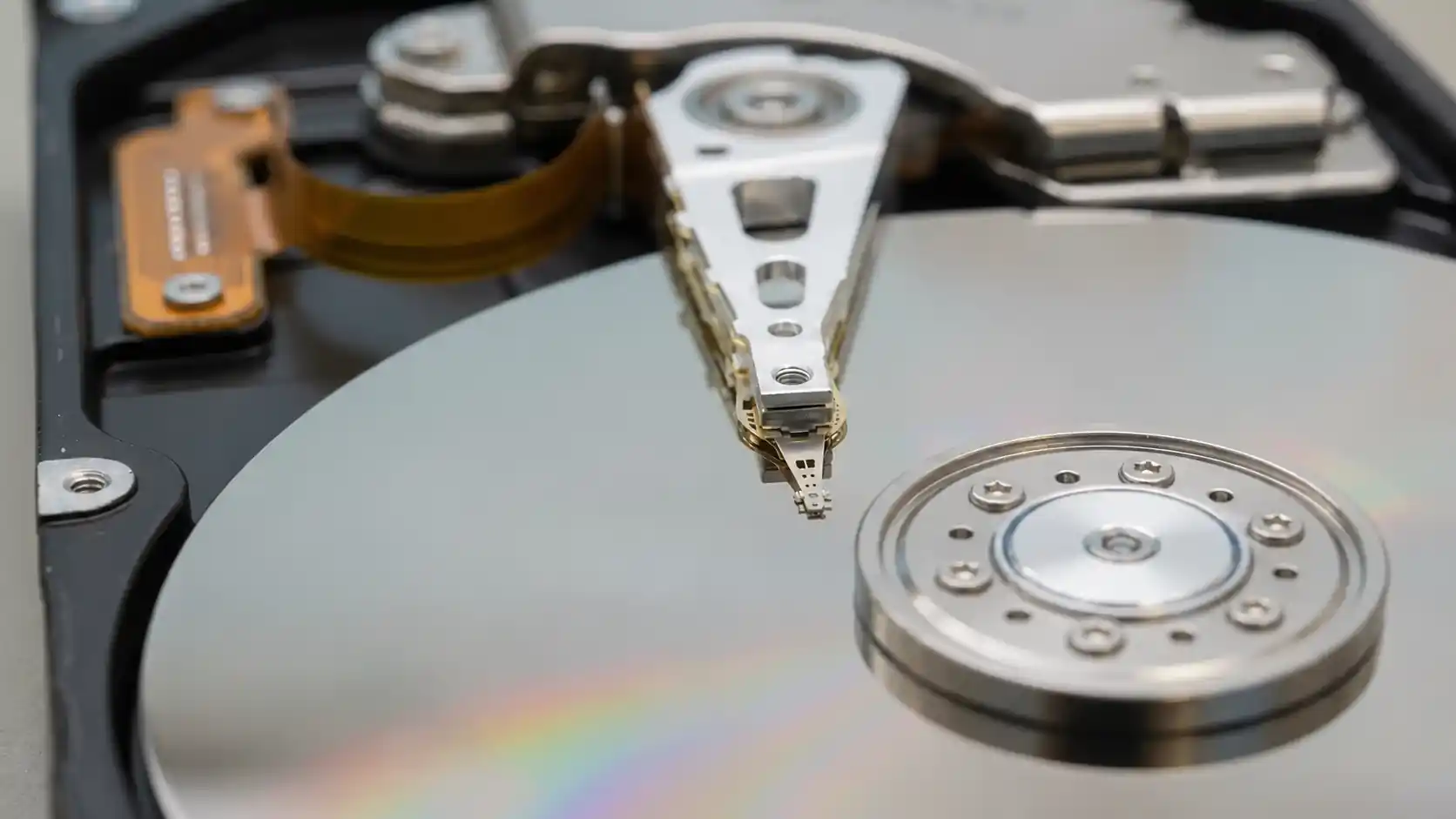
A hard drive that beeps instead of spinning normally is usually failing to complete normal spin-up. Head stiction is a common cause, especially when the read/write heads are stuck to the platter surface, but seized spindle components, insufficient power and electrical faults can produce similar sounds.
The sound itself is only the beginning of the diagnosis. This can happen with both internal and external hard drives. If an external hard drive is beeping when plugged in, is no longer detected or recognized, or repeatedly attempts to start, the important question is what is preventing normal spin-up and whether the original heads and media remain safe to use before controlled imaging begins.
A beeping hard drive usually means the platters are not reaching normal operating speed. Head stiction is one of the most common causes, especially when the read/write heads are stuck to the platter surface, but it is not the only possibility. A hard drive that is beeping and not detected, or beeping and clicking during startup, may have a different combination of mechanical, electrical or power-related problems.
The heads are stuck to the platter surface and prevent the spindle from reaching normal operating speed.
Failed, worn or corroded spindle bearings can prevent the platters from rotating. This requires a different recovery strategy from a simple head-release procedure.
Internal damage after a drop or impact can interfere with normal spindle movement or place additional resistance on the rotating assembly.
Low voltage, a weak USB connection, a damaged cable or inadequate enclosure power can sometimes produce a very light beep or repeated startup pulse because the drive cannot complete spin-up.
A fault in the drive electronics or power-delivery path can sometimes create symptoms that resemble a mechanical startup failure.
There are many videos showing someone opening a hard drive, rotating the platter manually and moving the heads back toward the parking ramp. Sometimes the drive actually begins spinning afterward.
That apparent success is exactly what makes the procedure misleading. Releasing the heads is not necessarily the difficult part. The difficult part is determining what happened to the heads and platter while they were stuck, and whether the original head stack can safely continue reading afterward.
The sliders may be contaminated, displaced or damaged. Debris may have been produced during the stiction event, and the platter surface may already have been marked. A drive that spins after a manual release can still become much more seriously damaged if it is repeatedly powered and allowed to continue reading with an unstable head assembly.
Years ago, some older low-capacity drives could tolerate procedures that are considerably riskier on modern designs. Certain older Maxtor drives, including many 40 GB-era models, were mechanically simpler and often more forgiving. Even PCB replacement could sometimes be comparatively straightforward.
Modern hard drives are a different story. Recording density is much higher, mechanical tolerances are tighter, and adaptive parameters and firmware data can be specific to the individual drive. Simply restoring spindle rotation does not mean the drive is ready to be connected to a computer and copied normally.
Small Seagate Rosewood-family drives deserve particular caution after head stiction. Seagate hard drive beeping and Seagate external hard drive beeping cases are often described as if the sound itself identifies the failure, but the internal condition still has to be confirmed. Manually moving the heads back to the ramp may allow the platter to rotate again, but that does not mean the original heads will read reliably or safely afterward.
Repeated power-on attempts after an improvised release can turn a relatively controlled mechanical problem into a much more difficult recovery. What began as a stiction case can become a damaged-head or damaged-media case if the drive continues operating with an unstable head assembly.
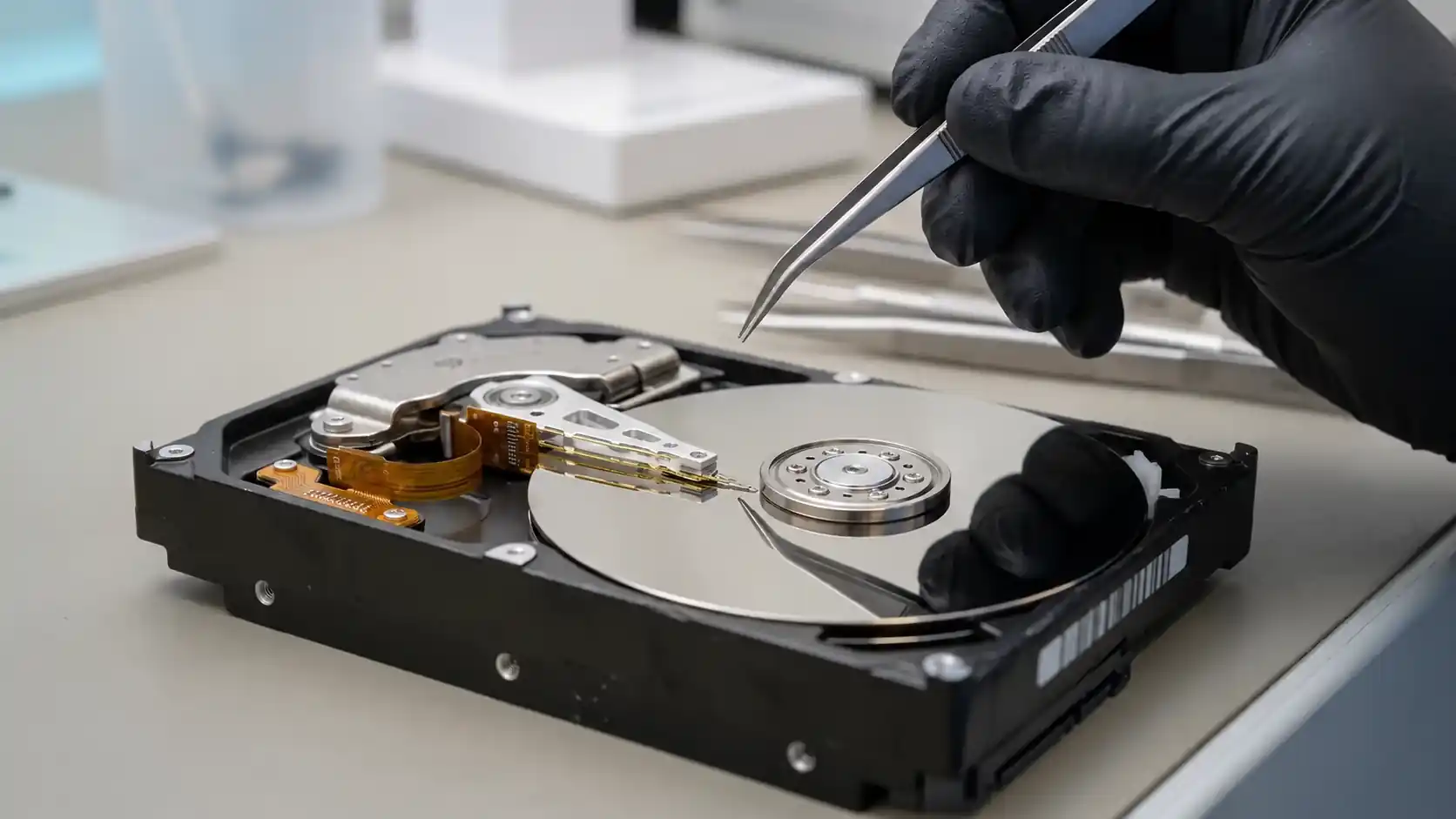
We first confirm whether the drive is actually experiencing head stiction or another mechanical condition preventing normal spindle operation.
If the heads are stuck on the platter, the drive is opened under appropriate clean conditions and the head assembly is released using a controlled procedure intended to minimize additional contact with the media.
Some drives tolerate a stiction event better than others. There is no universal rule that guarantees whether a particular head stack will survive. Inspection and experience help determine whether the original heads remain usable or whether continuing with them creates unnecessary risk.
If the original heads remain viable, the drive is stabilized and brought under controlled hardware-level access before imaging begins. If the heads cannot operate safely or reliably, a compatible donor head stack may be required.
Once a mechanically stuck drive begins spinning again, we do not treat it as a repaired hard drive. The next objective is to establish stable communication, evaluate head performance and control how the drive reads unstable or damaged areas.
With modern drives, this may involve firmware-level access, head-by-head evaluation, controlled read timeouts and retries, selective handling of weak heads, and an imaging strategy that avoids repeatedly stressing damaged areas.
PC-3000 and Data Extractor allow the recovery process to be controlled in ways that a normal operating system or consumer cloning utility cannot. The goal is not to return the drive to everyday service. The goal is to keep it stable long enough to extract as much data as safely possible.
No. If the heads are released cleanly and remain capable of reading the platter reliably, the original head stack may still be usable for recovery.
If the sliders are damaged, contaminated or unable to read consistently, continuing to operate the original heads may be unsafe. In those cases, a compatible donor head stack may be required.
The decision is based on the actual condition of the drive after inspection, not simply on the fact that the drive was beeping.
If the data is important, the safest point to stop is before additional damage occurs. A beeping external hard drive that is not recognized should be left powered off rather than repeatedly reconnected in an attempt to make it appear.
A beeping drive may still be recoverable, but repeated power attempts or an unsuccessful DIY head release can make the recovery considerably more difficult.
We can evaluate the drive, determine whether the heads are stuck, inspect the internal condition and choose the safest imaging strategy based on what we find.
Open A Recovery Case