
Legacy Maxtor architecture
DiamondMax, MaxLine and other older families use mature Maxtor-specific firmware structures. Service Area access, defect-list problems and factory-state behaviour are generally well documented by family.
Professional Maxtor data recovery for DiamondMax, MaxLine, OneTouch and other legacy Maxtor hard drives, including older IDE/PATA and SATA models. Many of these drives are now decades old, so recovery is increasingly a combination of well-understood firmware work and difficult physical support.
Classic Maxtor architectures are unusually mature from a recovery standpoint. Common Service Area, G-List and factory-boot conditions have been documented for years. The challenge today is often the hardware itself: scarce donor drives, aging spindle bearings, unstable heads and media that may offer only a limited window for controlled imaging.
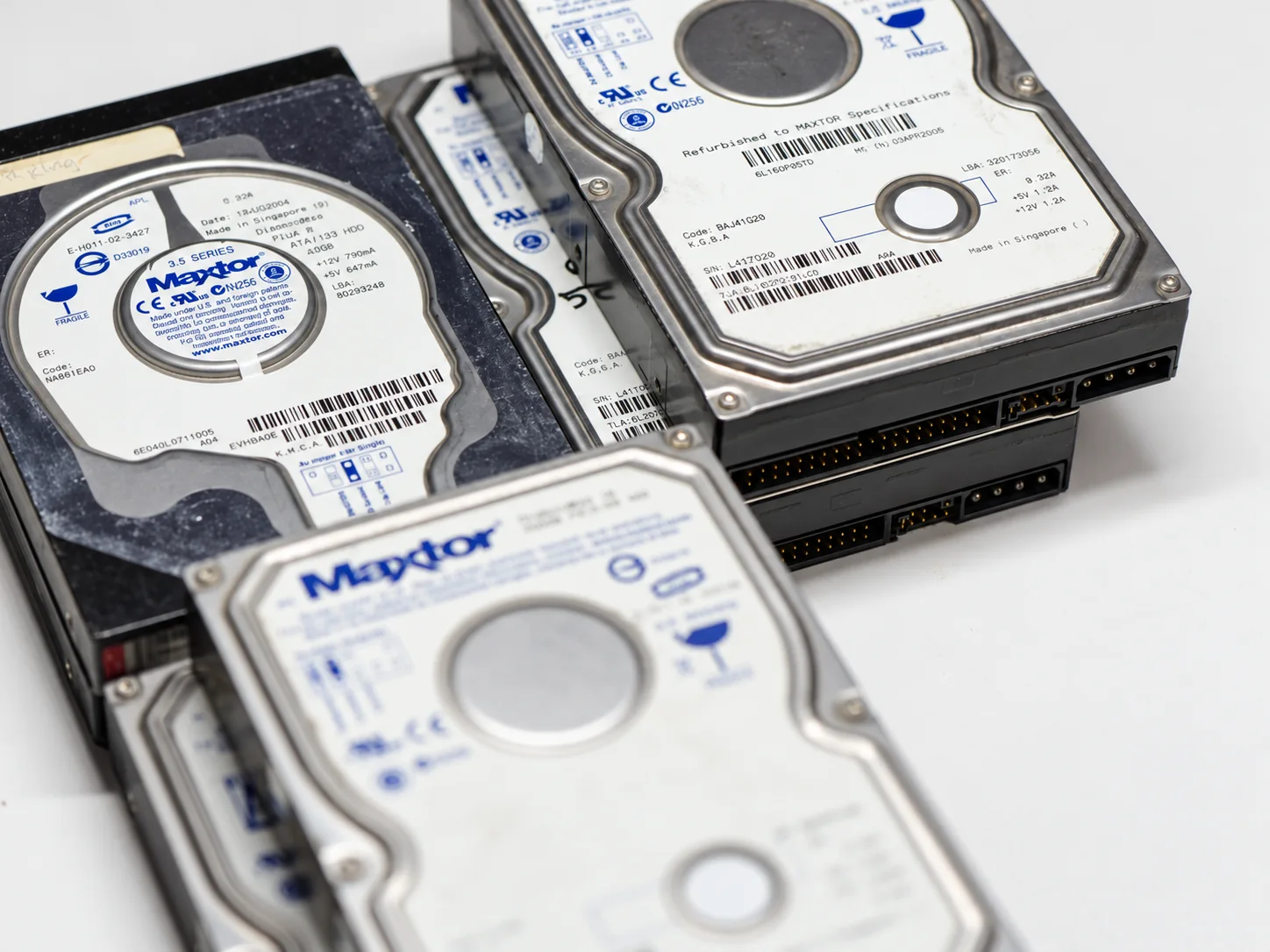
Many classic Maxtor families were extensively researched long ago. Professional recovery tools already support the common firmware structures, factory modes and family-specific procedures needed to regain access when the drive stops identifying normally.
That does not make a twenty-year-old drive easy. Functional donors are disappearing, compatible mechanical parts can be costly, and some units arrive with seized bearings, degraded heads or media that has already begun producing rapidly spreading read errors.
Once stable access is achieved, the goal is not to return the Maxtor to service. The goal is to image it immediately and preserve as much readable data as possible while the drive is still cooperating.
Seagate completed its acquisition of Maxtor in 2006. Earlier Maxtor drives use the classic Maxtor firmware and mechanical families technicians recognize by their native platform behaviour. Later Maxtor-branded models can belong much more closely to the Seagate technical ecosystem and must be identified accordingly.
DiamondMax, MaxLine and other older families use mature Maxtor-specific firmware structures. Service Area access, defect-list problems and factory-state behaviour are generally well documented by family.
Some later Maxtor-branded drives are effectively Seagate platforms under a Maxtor product label. Those cases should be treated according to the actual Seagate family rather than forcing an older Maxtor procedure onto them.
Seagate data recovery →Maxtor disappeared from the mainstream hard-drive market years ago, but the data did not disappear with it. Old accounting systems, family archives, studio projects, industrial computers and long-stored external drives still depend on these devices.
One of the best-known Maxtor product families. Recovery can range from straightforward firmware or PCB faults to difficult head, spindle and media problems on very old units.
Legacy higher-capacity and business-oriented Maxtor drives with the same age-related donor and mechanical considerations that now affect the rest of the product line.
External Maxtor units can fail at the enclosure, power supply or bridge-board layer before the internal disk is evaluated. The actual HDD still determines the recovery path.
Many older Maxtors use 40-pin PATA interfaces, jumper settings and legacy power connections that are now uncommon on modern computers but remain fully relevant in the lab.
Later SATA models require correct family identification because the Maxtor label alone does not tell us whether the drive is a classic Maxtor platform or a later Seagate-derived design.
Head assemblies, spindle components, compatible PCBs and donor chassis can be difficult to source today. Exact model and family details matter before parts are purchased.
On some classic Maxtor platforms, Service Area or defect-list corruption can prevent the drive from loading its normal identity. Instead of the expected model and capacity, the drive may enter a factory or safe boot state and identify by a clear internal family code. Those names are useful diagnostic clues, not random BIOS corruption.
The firmware may be familiar, but donor availability and mechanical condition are getting worse every year. A technically simple 20 GB, 40 GB or 80 GB drive can become expensive if the only compatible donor is rare or if the platter stack itself has to be moved.
Matching an old model can be harder than repairing it. Compatible heads, PCB revisions, spindle assemblies and donor chassis may have to be sourced from increasingly limited stock.
Some aging Maxtors produce a distinctive changing hum or warble when the spindle or bearing assembly is failing. If the motor cannot spin the platters reliably, mechanical transfer into a compatible donor chassis may be required.
Very old media can arrive with unstable read areas, contamination or damage from prior head contact. Once access is restored, repeated testing is avoided and imaging begins as early as possible while the remaining readable surface is still available.
Some early Maxtor families are remarkably tolerant of a correctly matched donor PCB, while others still require family-specific adaptive or ROM handling. The exact model must be identified before assuming a board can simply be swapped.
When a spindle or bearing assembly cannot be returned to stable operation, the platter assembly may have to be transferred into a compatible donor chassis. On multi-platter drives, relative platter alignment must be preserved during the move because the original servo relationship between surfaces matters.
After a successful mechanical repair, the recovery objective is controlled imaging rather than prolonged diagnosis. A very old drive with unstable heads or surface damage may not tolerate repeated full passes. The safest window can be the first stable opportunity to read it.
This is one of the striking differences between certain old Maxtor families and many modern hard drives. On some early thin 40 GB models, a genuinely compatible same-family donor PCB can be installed directly and the drive can return to operation without moving an adaptive ROM chip or performing component-level rework.
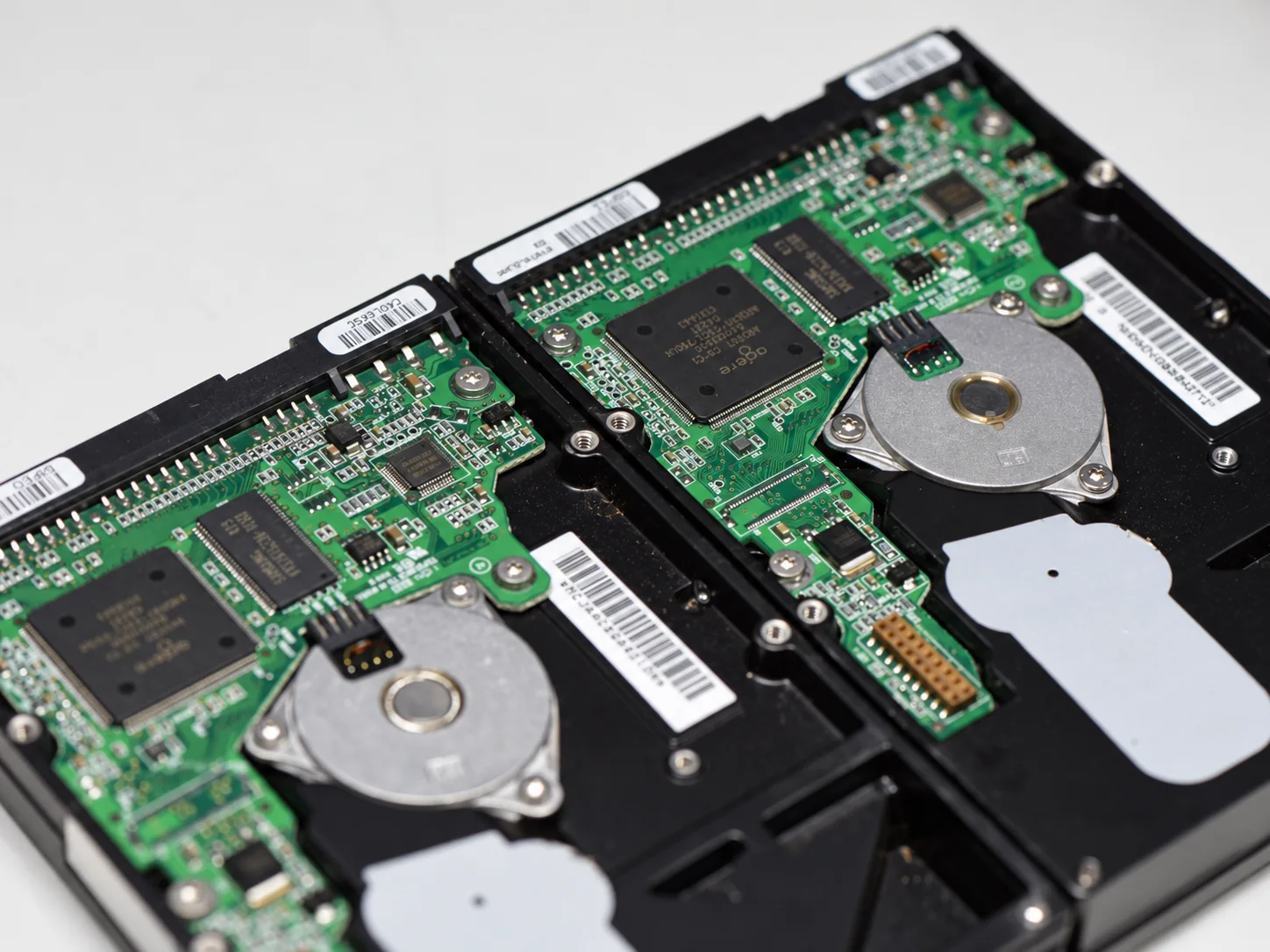
Confirm the exact model, interface, firmware behaviour and whether the drive belongs to a classic Maxtor or later Seagate-derived platform.
Address the real failure layer first: firmware, PCB, spindle, heads or media. Avoid unnecessary writes and repeated power cycles on unstable hardware.
Once the drive becomes readable, prioritize the best surfaces and critical regions, then work outward instead of assuming the old drive will remain stable indefinitely.
We accept Maxtor hard drive recovery cases by tracked shipment from across Canada, the United States and internationally. Older drives are packed carefully because additional shock or repeated testing can matter when the mechanics are already fragile.
If the drive has been opened, had a PCB replaced, was connected through an old USB enclosure, or has already been examined by another lab, include that history with the case.
Model information matters more on legacy hardware because donor compatibility can be narrow. If possible, include the model number, capacity, interface, what computer or enclosure it came from, and whether the drive spins, clicks, hums or identifies under an unusual name.
If you already tried another PCB, adapter, enclosure or recovery service, include that too. It can change the safest next diagnostic step.
Start with the model, symptoms and what data you need recovered.
The age of a Maxtor should not be confused with technical obscurity. Many families are well understood, but successful recovery increasingly depends on preserving the remaining hardware and finding the right donor when physical work is required.