
DiskStation
Common 2-bay, 4-bay, 5-bay, 8-bay and larger DiskStation systems using SHR, SHR-2 or standard RAID configurations with ext4 or Btrfs volumes.
Failed Synology or QNAP NAS? Aesonlabs recovers data from degraded RAID arrays, failed rebuilds, inaccessible volumes, multiple-disk failures and NAS systems that no longer boot or mount their storage correctly.
In most cases, you do not need to ship the NAS enclosure. We normally need the complete set of member drives and the basic system details. If encryption, key material or appliance-specific configuration may be required, we will tell you before shipping what additional hardware is needed.
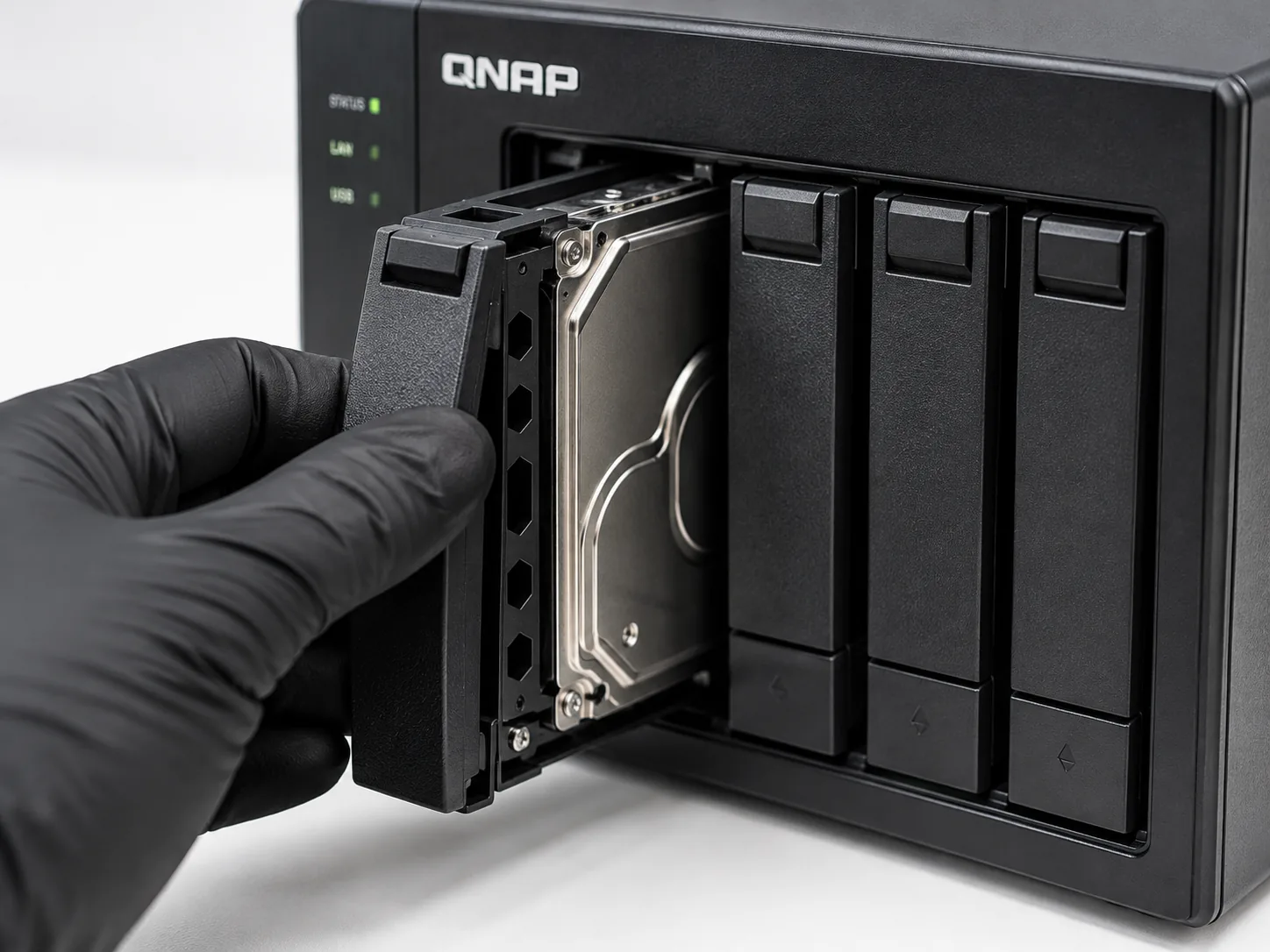
We work from the disks and storage layout rather than relying on the NAS to remain operational. The exact model, number of bays, RAID type and drive order are useful, but a failed enclosure does not automatically mean the data is lost.
Common 2-bay, 4-bay, 5-bay, 8-bay and larger DiskStation systems using SHR, SHR-2 or standard RAID configurations with ext4 or Btrfs volumes.
Rackmount Synology storage with multiple member disks, including degraded arrays, failed storage pools and systems that no longer assemble or mount correctly.
QNAP TS-series desktop and rackmount NAS systems, from small office arrays to larger multi-bay storage using RAID 1, RAID 5, RAID 6, RAID 10 and related layouts.
Higher-performance QNAP TVS systems, including arrays with SSD caching, multiple storage pools and configurations where one failure has affected access to the volume.
QTS-based systems with inaccessible volumes, missing storage pools, failed rebuilds, damaged member disks or logical problems above the physical RAID layer.
QuTS hero systems using ZFS-based storage. These cases are evaluated as complete storage systems because pool structure, metadata and member-disk condition all matter.
Have a model not listed here? Send the NAS model, number of drives and current symptoms. We can confirm what needs to be shipped before the case is opened.
A degraded array may remain online after one disk fails, then become inaccessible after another disk develops unreadable sectors, drops offline or fails completely.
A rebuild can stop, fail or complete with missing data when another member disk is unstable. Continuing to rebuild can make a recoverable situation more difficult.
The NAS may boot normally while the storage pool, shared folders or volume no longer mounts because of damaged RAID metadata, filesystem structures or member-disk errors.
Recreating a storage pool, initializing disks, changing RAID settings or starting a new configuration can overwrite important metadata even when much of the original data remains.
Power-supply, motherboard, DOM, controller or enclosure failures can prevent the NAS from starting even when the member drives and original array remain recoverable.
Btrfs, ext4, ZFS or higher-level storage metadata can become damaged after crashes, interrupted operations, unstable disks or other storage failures.
For most Synology and QNAP recovery cases, the enclosure is not required. We normally need all member drives from the affected storage pool, including drives already marked failed or removed from the array.
Before removing anything, label the drives by bay position — for example Bay 1, Bay 2, Bay 3 and Bay 4. Do not initialize, rebuild or reorder the disks after the failure.
We first evaluate the individual disks, stabilize or image unstable members where required, then reconstruct the storage layout outside the failed NAS. The goal is to work from controlled copies rather than repeatedly stressing the original drives.
Confirm bay order, RAID/SHR layout, capacity differences and the history of any replaced drives.
Problem drives are handled individually so unreadable sectors or failing heads do not derail the whole array.
RAID, SHR, storage-pool and filesystem structures are rebuilt from the available member data.
Recovered folders and files are copied to separate storage and checked before delivery.
For a deeper overview of failed RAID arrays, rebuild problems and multi-disk recovery, see our RAID Data Recovery service page.
Synology and QNAP cases can be shipped by tracked courier from across Canada, the United States and internationally. Label each disk by its original bay position and package drives separately so they cannot strike one another in transit.
Include the Synology or QNAP model, number and capacity of drives, RAID or SHR type if known, and what happened immediately before the storage became inaccessible.
Start with the model, drive count and current symptoms.