
Weak or Failed Read/Write Heads
The platters may spin normally while one or more heads repeatedly fail to read servo information or data. The drive can reset, recalibrate and click as it retries the same operation.
A clicking hard drive is usually failing to complete part of its normal startup, calibration or read process. Weak or failed read/write heads are a common cause, but clicking can also be associated with damaged media, head stiction, spindle problems, firmware-access failures or, in some cases, an electrical fault.
The sound alone does not identify the exact failure. A clicking drive has to be evaluated as an individual case because the safest next step depends on the drive family, its startup behaviour, the condition of the heads and platters, and whether the drive can still communicate reliably.
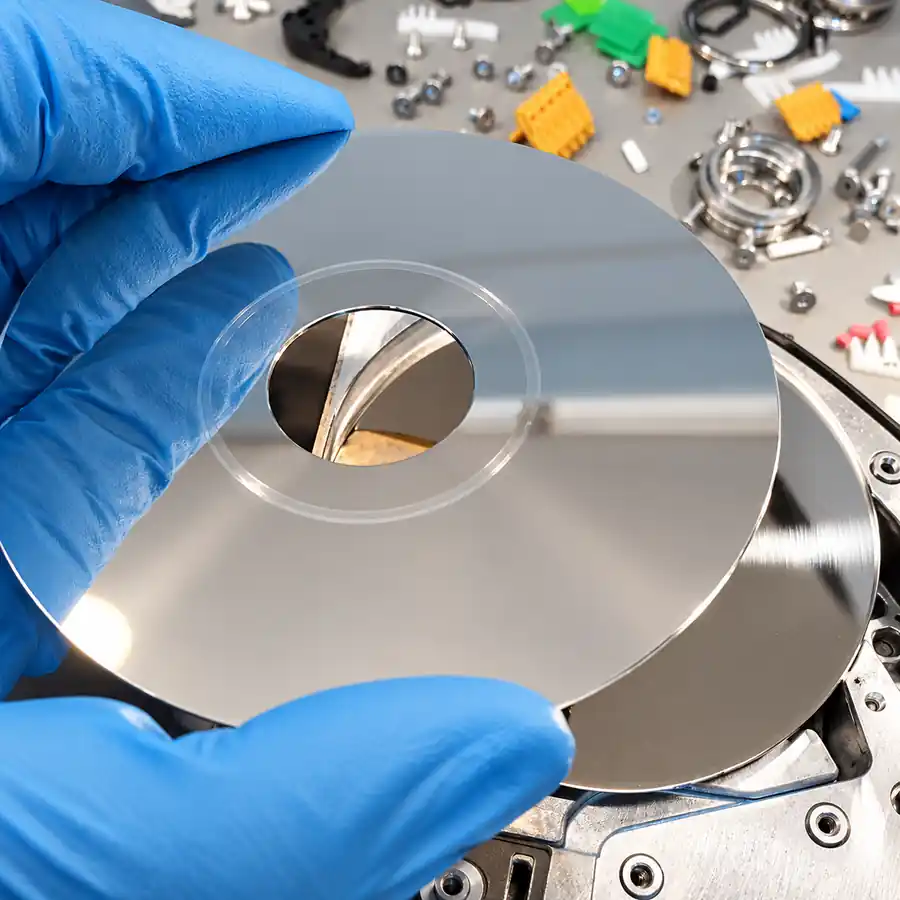
Failure Pattern Visualizer
Select a clicking pattern to see a representative drive state, the typical failure behind it, and the safest first response.
The heads remain stuck over the platter surface. The spindle cannot start, while the head stack only twitches slightly under startup force.
Clicking is a symptom, not a complete diagnosis. Several very different failures can produce similar sounds, and the recovery approach changes depending on what is actually happening inside the drive.
The platters may spin normally while one or more heads repeatedly fail to read servo information or data. The drive can reset, recalibrate and click as it retries the same operation.
If the heads remain on the platter surface instead of reaching the parking ramp, the spindle motor may be unable to start. The result can be a low beep, buzz or repeated startup attempt rather than normal rotation.
A damaged head can contact the magnetic surface and produce debris, scratches or unreadable regions. Continued operation can turn a head problem into a more serious media-damage problem.
A drive may click because it cannot reliably read internal system information required for initialization. The heads may still move, but the drive never reaches a stable ready state.
A seized or damaged spindle assembly can prevent normal startup. Some drives make one mechanical attempt, click or clunk, then stop spinning entirely.
Not every ticking sound comes from the head stack. PCB faults, power-path problems or other electrical failures can produce rapid ticking or buzzing that sounds mechanical from outside the enclosure.
Diagnostics starts before donor parts are ordered and before a drive is opened unnecessarily. We first consider the model family, the way the drive starts, how it identifies, the clicking pattern, any prior impact or recovery attempts, and whether controlled communication with the drive is possible.
There is no fixed sequence that is correct for every clicking drive. On one case, electronics and firmware response may be evaluated first. On another, repeated power-on attempts may be avoided and internal inspection may be the safer next step. The sequence is chosen by the engineer according to the failure mode and the condition of the drive.
The objective is to gather enough information to decide what can be tested safely without creating additional media damage.
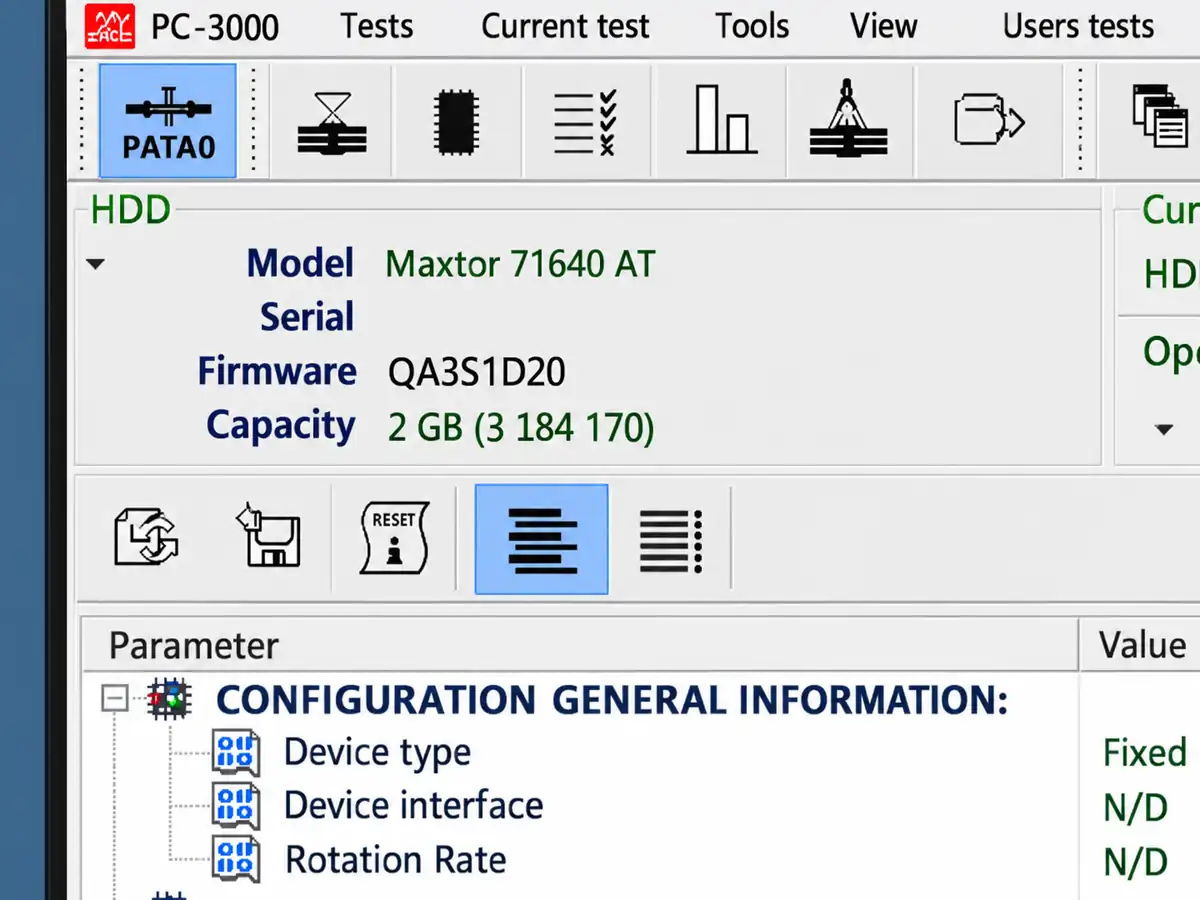
When the drive can be powered safely, PC-3000 provides controlled hardware-level access that can help determine how far the drive gets through initialization. We can evaluate whether the drive identifies correctly, whether it reaches a ready state, how it responds to commands, and whether particular heads or internal firmware areas appear unstable.
This is not the same as opening the drive in Windows and attempting to copy files. A mechanically unstable drive should not be subjected to unnecessary filesystem activity while its condition is still unknown.
PC-3000 does not replace engineering judgement. It provides diagnostic information and controlled access that help determine whether the next step should involve firmware work, electronics, internal inspection, head work or imaging.
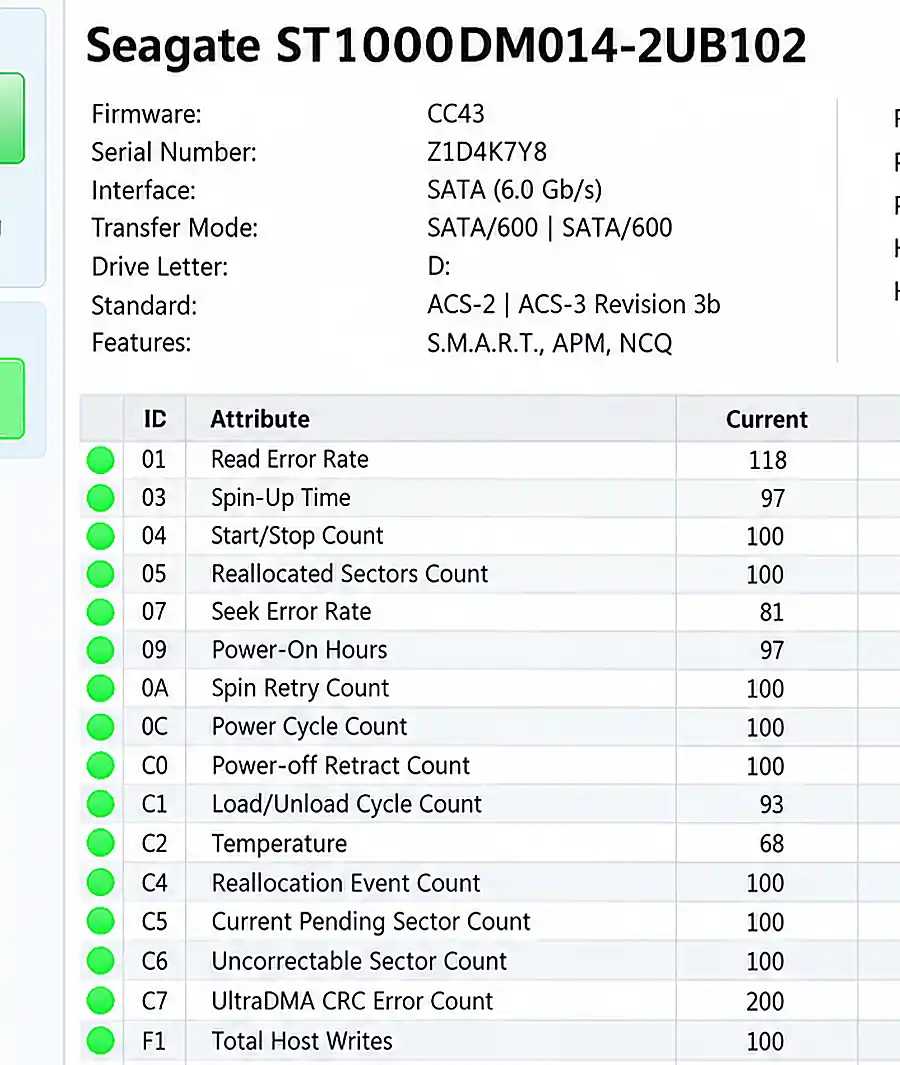
If the drive remains stable enough to report SMART information, it can provide useful context about the failure. Reallocated sectors, pending sectors, read instability and other abnormal values can support what we are seeing during controlled testing.
SMART is only one diagnostic signal. A mechanically failing drive may provide incomplete information, misleading information or no usable SMART data at all. A normal-looking SMART report also does not rule out a developing head or media problem.
Before assuming every click is caused by failed heads, the drive electronics may also need to be evaluated.
We check whether the drive receives and distributes power normally and whether abnormal current behaviour points to an electrical fault.
Burned components, damaged connectors, corrosion, shorted protection components and other visible board problems can change the diagnostic path.
A shorted TVS diode or related power-path fault can prevent normal startup and may produce behaviour that sounds mechanical from outside the drive.
Some electrical problems extend beyond the external PCB. The relationship between the board, preamplifier and head assembly may need to be considered before additional power-on testing.
If the symptoms point to an internal mechanical failure, the drive may need to be opened under controlled clean conditions. Internal inspection can reveal information that cannot be determined from the sound alone.
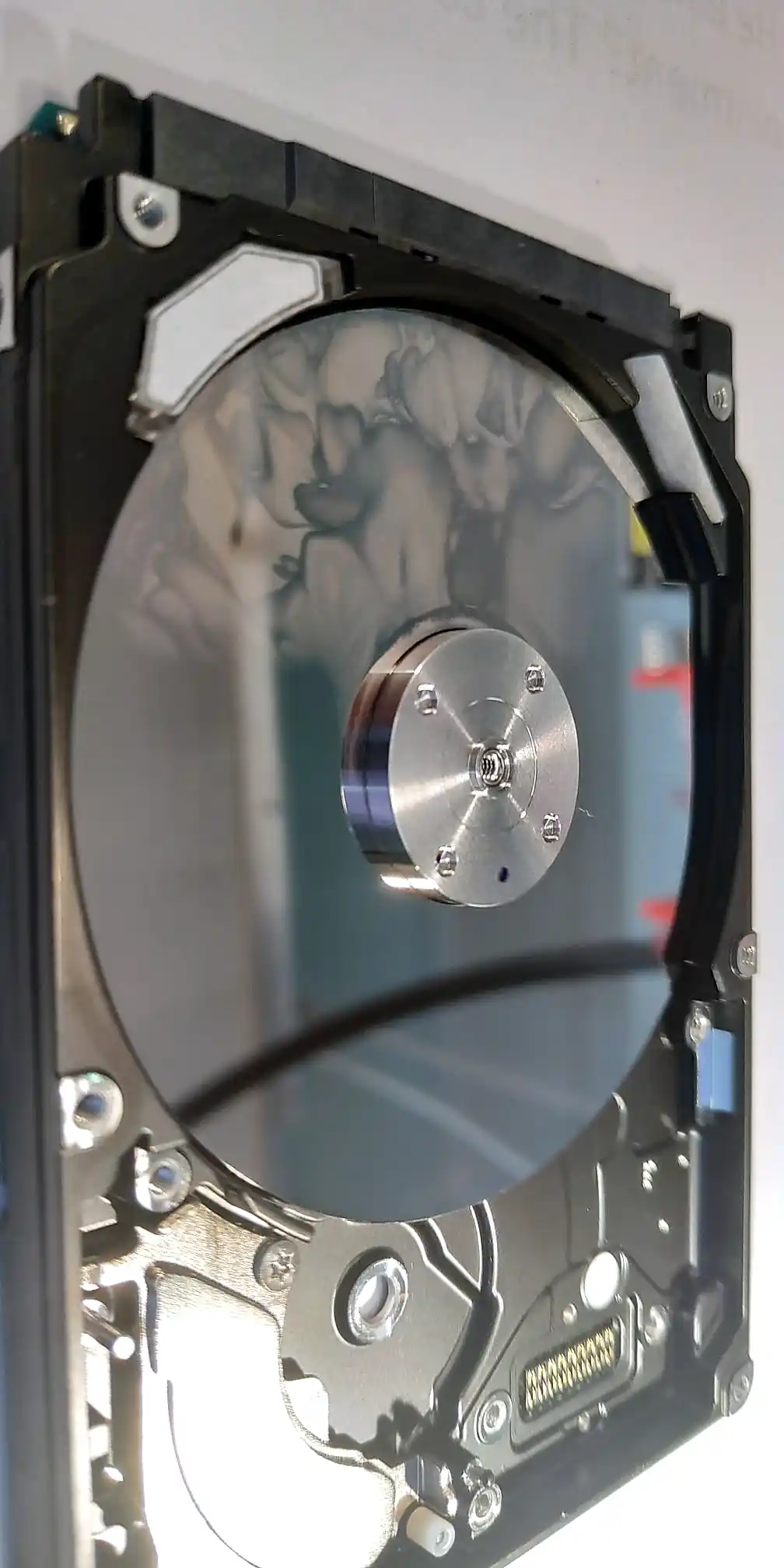
We evaluate the head-stack assembly, sliders, suspension, parking ramp, visible platter surfaces and the general condition of the internal chamber. We also look for signs of head-to-platter contact, contamination, magnetic debris or circular scoring.
Opening the drive is not automatically the first step in every clicking case. It is performed when the condition of the drive indicates that internal inspection is necessary.
A clicking drive does not automatically require a donor head stack. In some cases, the heads are contaminated, stuck, displaced or mechanically compromised in a way that can be corrected without immediately replacing the entire assembly.
Under appropriate conditions, heads may be inspected and cleaned. A stuck assembly may need to be carefully repositioned, and a mechanical alignment or loading issue may sometimes be corrected before donor parts are considered.
The decision depends on what is found during inspection and how the drive responds afterward. If the sliders, suspension or read elements are physically damaged or electrically unstable, head replacement may still be required.
Initial diagnostics and inspection determine whether the original head assembly can be safely stabilized or whether replacement is necessary.
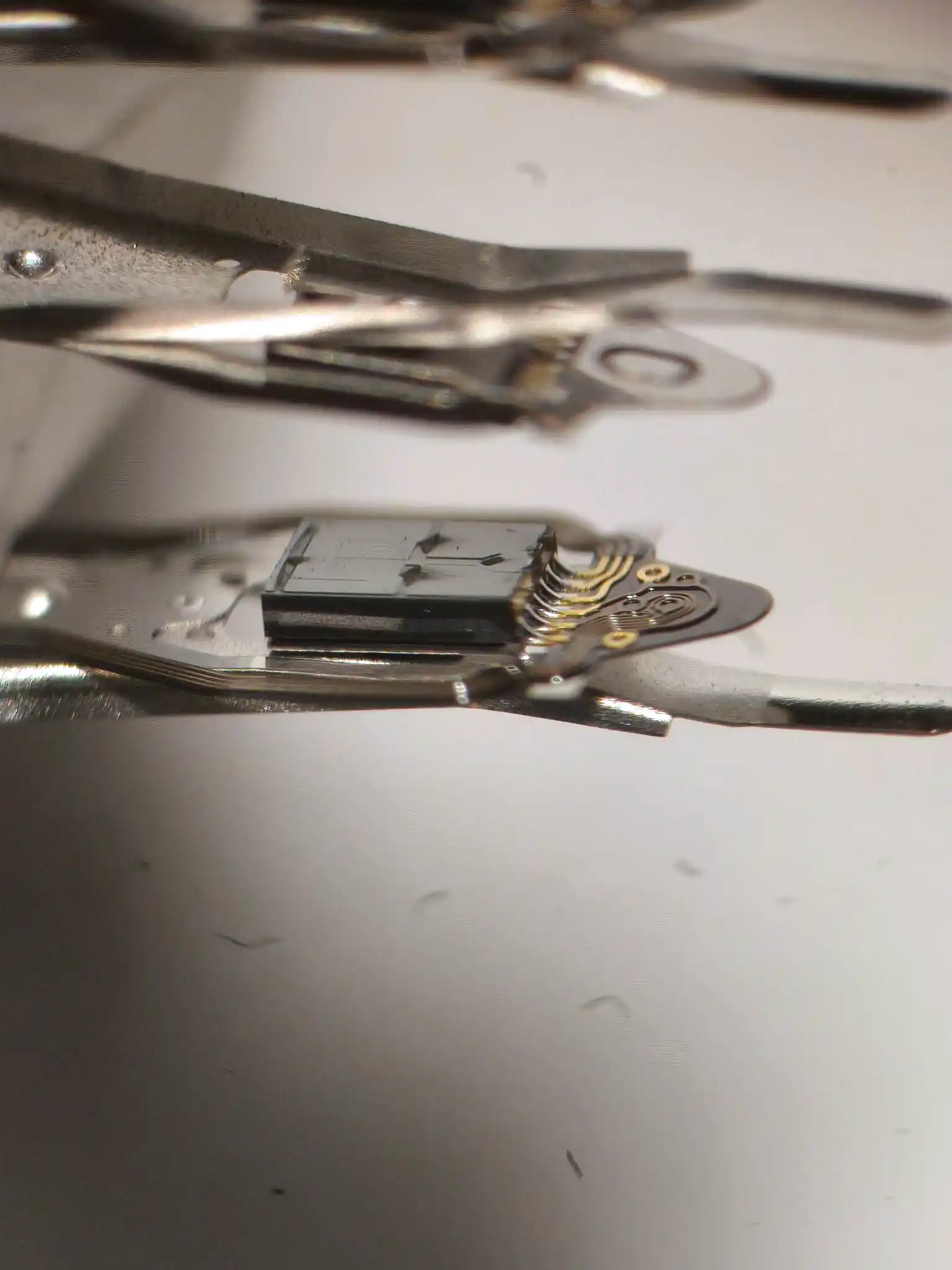
Platter damage is one of the most important findings in a clicking-drive evaluation. A failed head can contact the magnetic surface and generate extremely fine debris that circulates inside the drive.
Debris found on the head sliders can be evidence that the platter surface has already been disturbed. Visible circular scoring, contamination or repeated contact marks can indicate that further uncontrolled operation would create additional damage.
These findings affect the next step. The engineer may decide to clean and retest the original heads, install donor heads, avoid a damaged surface, change the order in which heads are used, or begin imaging with parameters designed for unstable media.
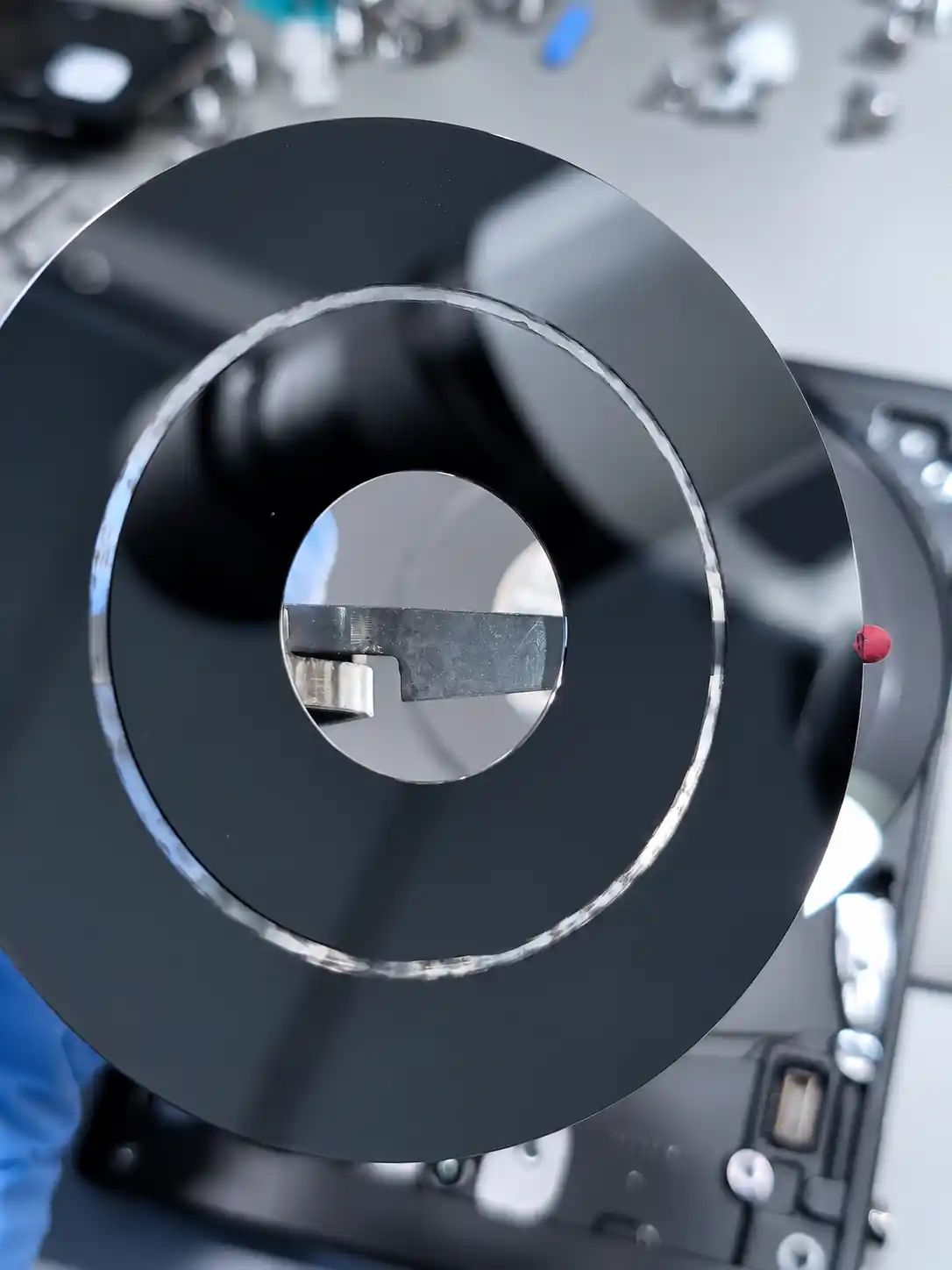
If the original heads cannot read safely or reliably, a compatible donor head-stack assembly may be required.
Matching is not always as simple as finding another drive with the same model number. Drive family, revision, head configuration and other manufacturing parameters can affect compatibility.
The exact matching criteria depend on the drive family, which is another reason donor selection follows diagnostics rather than preceding it.
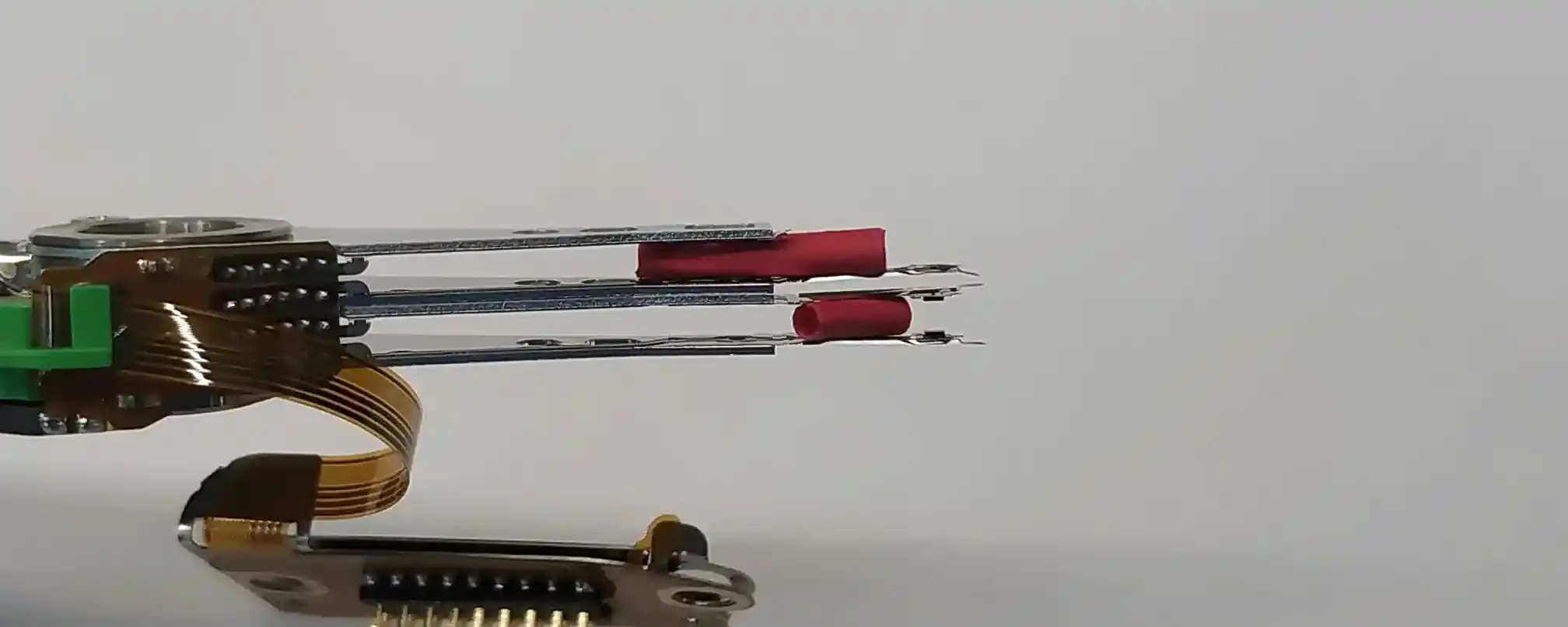
Mechanical work on a clicking hard drive is performed to make the device stable enough to recover data. The objective is not to return the failed drive to normal long-term service.
Once the drive can read with sufficient stability, the priority shifts to creating a controlled sector-level image. The original drive remains a failed device even if it can temporarily identify, spin and read after mechanical work.
After the hardware is stabilized, recovery normally proceeds by imaging the drive rather than browsing through the filesystem and copying files one by one.
Imaging allows the drive to be read in a controlled sequence rather than repeatedly seeking between unrelated files and directories.
If one head is weaker than another, access can be adjusted so stable surfaces are acquired first and unstable areas receive more careful treatment.
Read behaviour can be controlled so the drive is not forced into endless retries over damaged areas.
Once enough sectors have been acquired, files and folders are recovered from the image rather than placing unnecessary additional load on the original drive.
A skilled engineer does not follow the same fixed sequence on every clicking hard drive. The safest order of operations depends on the individual device and what each diagnostic step reveals.
The next step is chosen from the condition of the individual drive, not from a universal checklist.
Tell us what the drive is doing, whether it was dropped or previously worked on, and the model number if available. We can determine the appropriate next diagnostic step from the symptoms and condition of the drive.