
Deskstar
Deskstar data recovery covers 3.5-inch desktop hard drives across multiple Hitachi generations. Many older platforms are extensively researched with mature firmware and mechanical procedures.
Professional Hitachi data recovery for failed desktop, laptop and enterprise hard drives, from mature Deskstar and Travelstar platforms to modern Ultrastar and high-capacity helium drives.
Our HGST data recovery work spans several engineering generations. Older families are well researched and have established recovery procedures, while newer HGST platforms can depend on increasingly protected firmware structures, family-specific Service Area access and current professional-tool support.
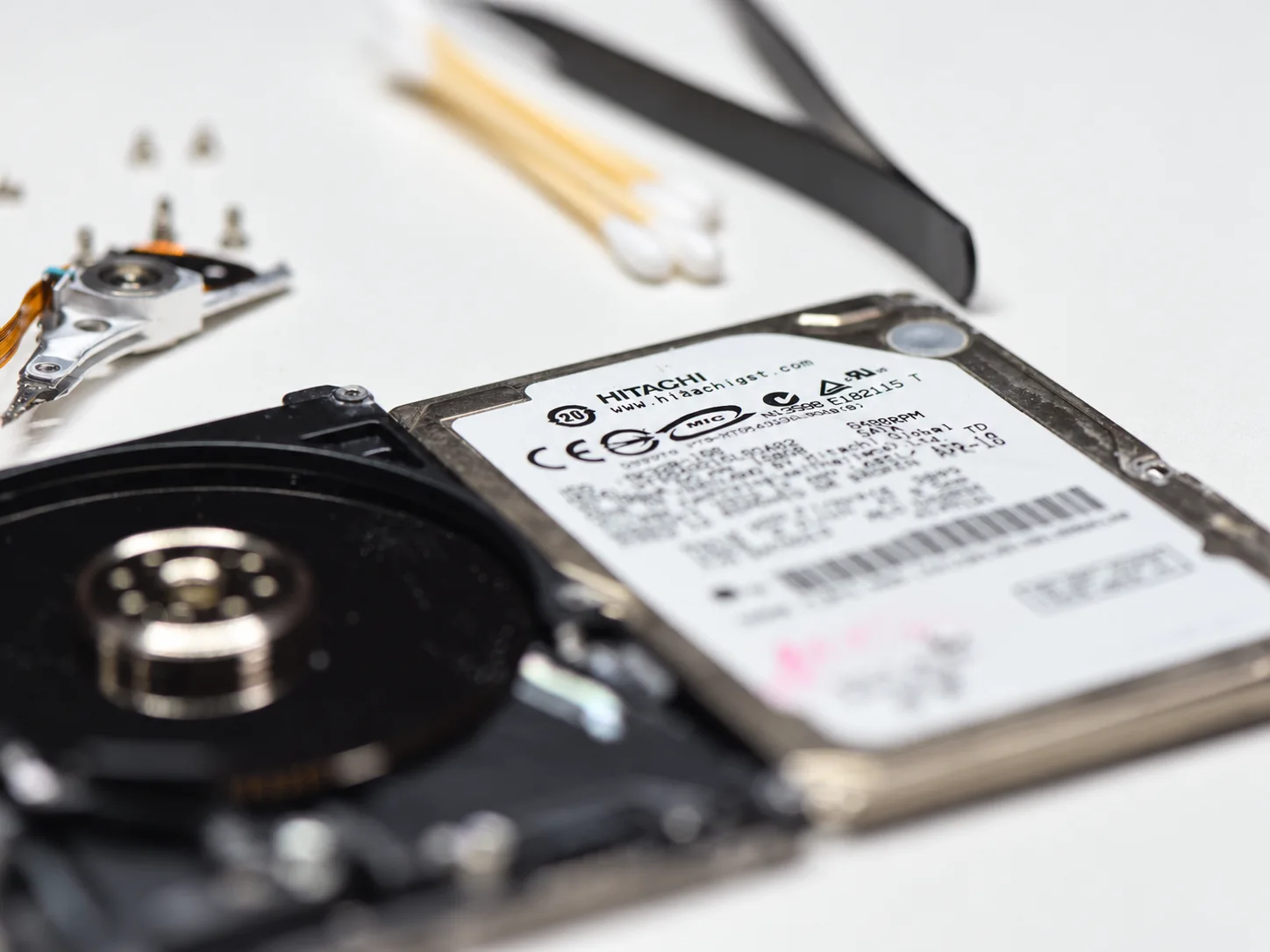
Older Deskstar, Travelstar and CinemaStar platforms have been in professional recovery labs for many years. Their firmware behavior, common failure patterns, donor matching and service procedures are comparatively mature and well understood.
Later HGST and enterprise platforms introduced more complex firmware routines, protected service data, ARM/Renesas-based architectures and, eventually, modern Common Code Base designs used in high-capacity air and helium drives.
A drive that carries the Hitachi or HGST name therefore cannot be approached as one uniform family. The exact model, architecture, firmware generation, interface and mechanical condition determine what recovery procedures are available.
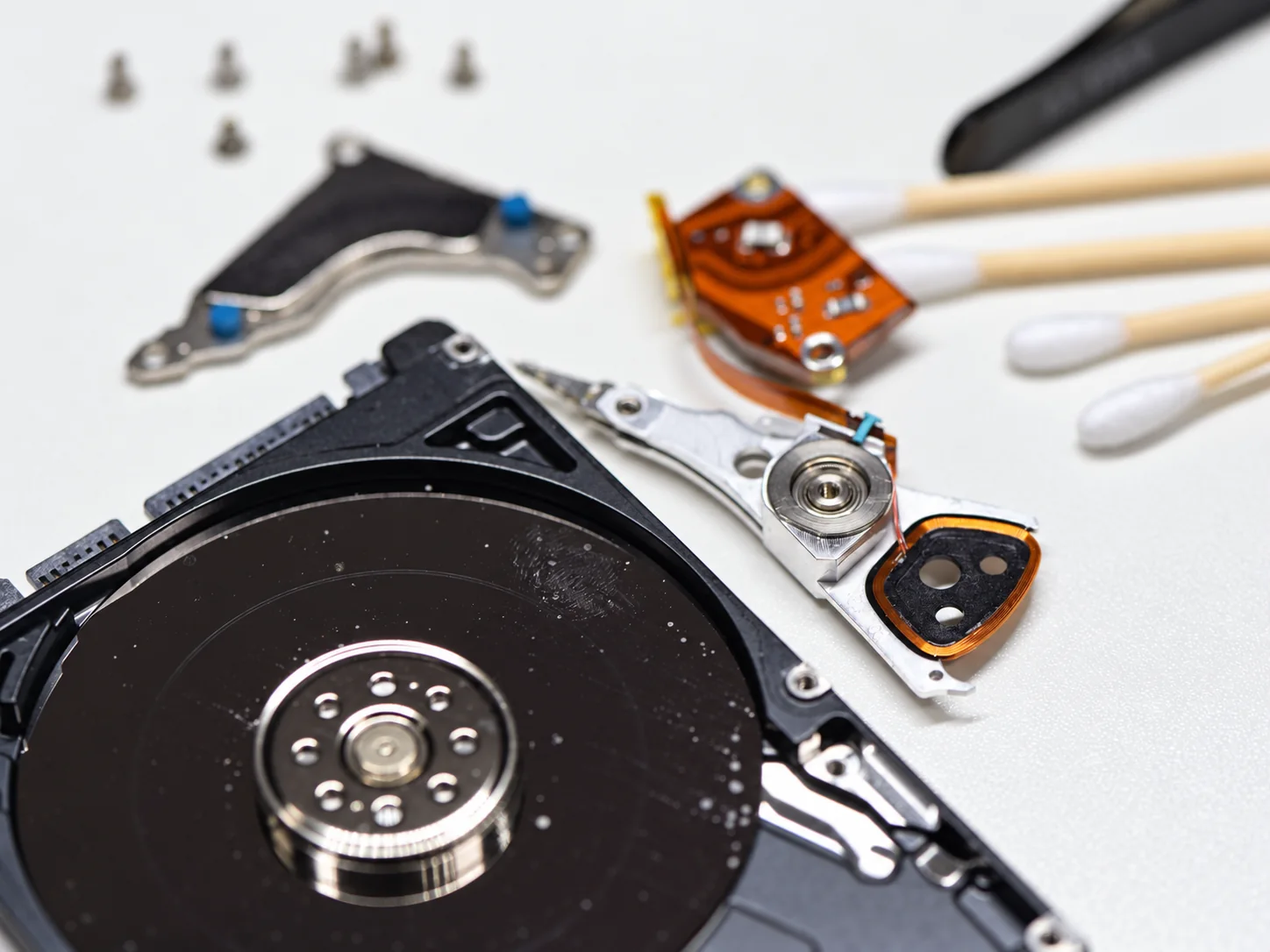
These family names span different markets and engineering generations. Recovery is based on the exact model and platform rather than the family name alone.
Deskstar data recovery covers 3.5-inch desktop hard drives across multiple Hitachi generations. Many older platforms are extensively researched with mature firmware and mechanical procedures.
Travelstar data recovery can involve compact head stacks, media damage, firmware faults and model-specific adaptive data across 2.5-inch laptop and mobile hard drives.
Drives designed for consumer electronics and video applications. Platform-specific firmware behavior and long-run operating history can both matter during recovery.
Ultrastar data recovery spans enterprise SATA and SAS drives, from older air-filled platforms through modern high-capacity designs, including helium-sealed models.
Ruggedized automotive and embedded-storage families built for harsh operating environments, with their own firmware and mechanical characteristics.
The difficult cases often involve several layers at once: protected firmware access, unstable translation data, weak heads, high platter counts or an enterprise interface that requires the correct recovery hardware.
Later Hitachi/HGST platforms can use complex, family-specific firmware structures, ROM data and Service Area access routines. Newer architectures may require current professional-tool support before low-level work can be performed safely.
Corruption involving translator structures or defect-management data can leave some drives reporting zero capacity, remaining busy or failing to complete normal initialization even when the motor and electronics still appear functional.
High-capacity models may contain many recording surfaces. When one head becomes unstable, controlled imaging by head or surface can preserve readable areas rather than repeatedly forcing access through the weakest part of the drive.
Ultrastar drives may use SATA or SAS interfaces and may belong to RAID, server or storage-array environments. Correct interface support and understanding the larger storage system can be as important as repairing the individual disk.
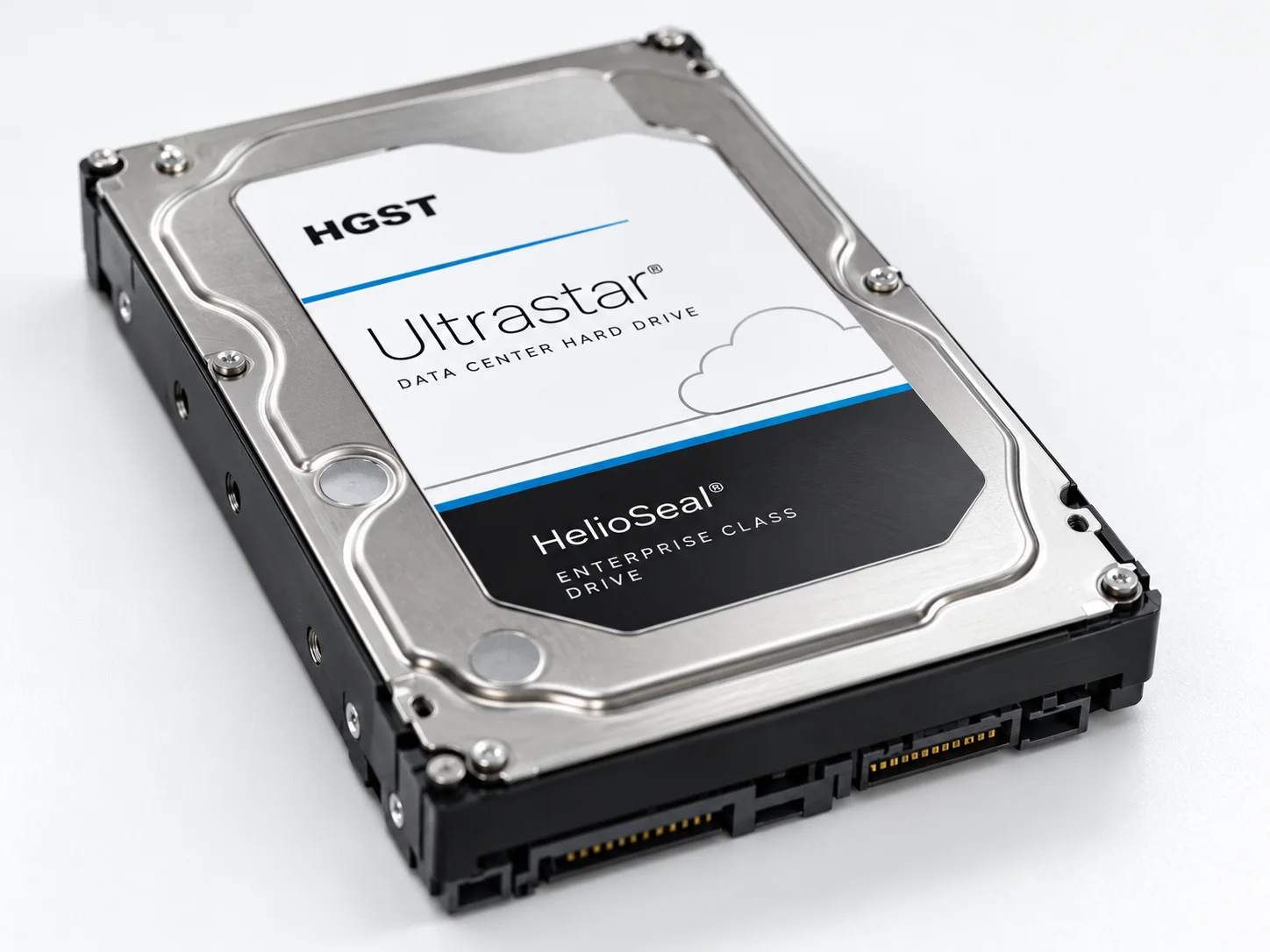
Modern HGST hard drive recovery can be particularly demanding on high-capacity Ultrastar and helium platforms. For years, these drives were difficult to access professionally because of tightly controlled firmware architecture, protected service structures and limited low-level tool support.
Professional support has expanded progressively, including access to additional Common Code Base families, ROM structures, head maps and translator-related procedures. That support continues to evolve by model and firmware family rather than appearing universally across every modern HGST drive at once.
Mechanical recovery also remains different from older air-filled drives. Helium construction, high platter counts, tightly matched components and donor requirements all affect what is practical after head or media damage.
All hard drives share basic mechanical principles, but their low-level firmware, ROM, Service Area and diagnostic behavior differ substantially by manufacturer and generation.
Several Seagate generations have well-documented F3-family failure patterns and established procedures. Hitachi/HGST behavior is often less uniform across generations and can require deeper family-specific work.
HGST and Western Digital share later corporate lineage, but legacy Hitachi firmware procedures remain distinct, while newer WD and HGST platforms each introduce their own protected ROM and firmware-access constraints.
Toshiba drives have their own PCB, native-USB and translator characteristics. Hitachi/HGST platforms require different firmware routines, head-map handling and model-specific recovery procedures.
In Hitachi hard drive recovery, a drive that remains busy or reports the wrong capacity is not automatically a purely firmware case. Weak heads, unstable surfaces or deteriorating read performance can produce symptoms that overlap with low-level firmware problems.
Evaluation begins with the exact model and interface, then checks drive readiness, identification behavior, firmware access, head and surface condition, PCB/ROM requirements and whether the drive can be imaged without causing additional damage.
For enterprise or high-capacity media, selective imaging and data prioritization can be more important than attempting a conventional full-disk read from beginning to end.
We accept Hitachi data recovery and HGST data recovery cases by tracked shipment from across Canada, the United States and internationally, including laptop, desktop, NAS, SAS, enterprise and high-capacity Ultrastar drives.
If the drive has already been opened, had its PCB replaced or been evaluated by another recovery provider, include that history when opening the case.
Tell us what happened and what data you need recovered. You do not need to diagnose the firmware or mechanical problem before contacting us.
If possible, include the model number, capacity, interface and whether the drive came from a RAID, NAS, server or other multi-disk system.
Start with the symptoms and model information you have.
From older Deskstar and Travelstar drives to modern Ultrastar enterprise and helium platforms, Hitachi/HGST recovery requires model-specific diagnosis rather than a one-size-fits-all procedure.