
Clicking or Repeated Seeking
Clicking may involve damaged heads, weak heads, firmware access problems or recording-surface damage.
Professional recovery for failed Seagate hard drives, portable external drives, NAS and surveillance models, enterprise storage and difficult laptop families including Rosewood.
A Seagate drive that clicks, beeps, stops responding, disappears from the computer or has already been opened can require very different work depending on the exact family, firmware state and condition of the recording surfaces.
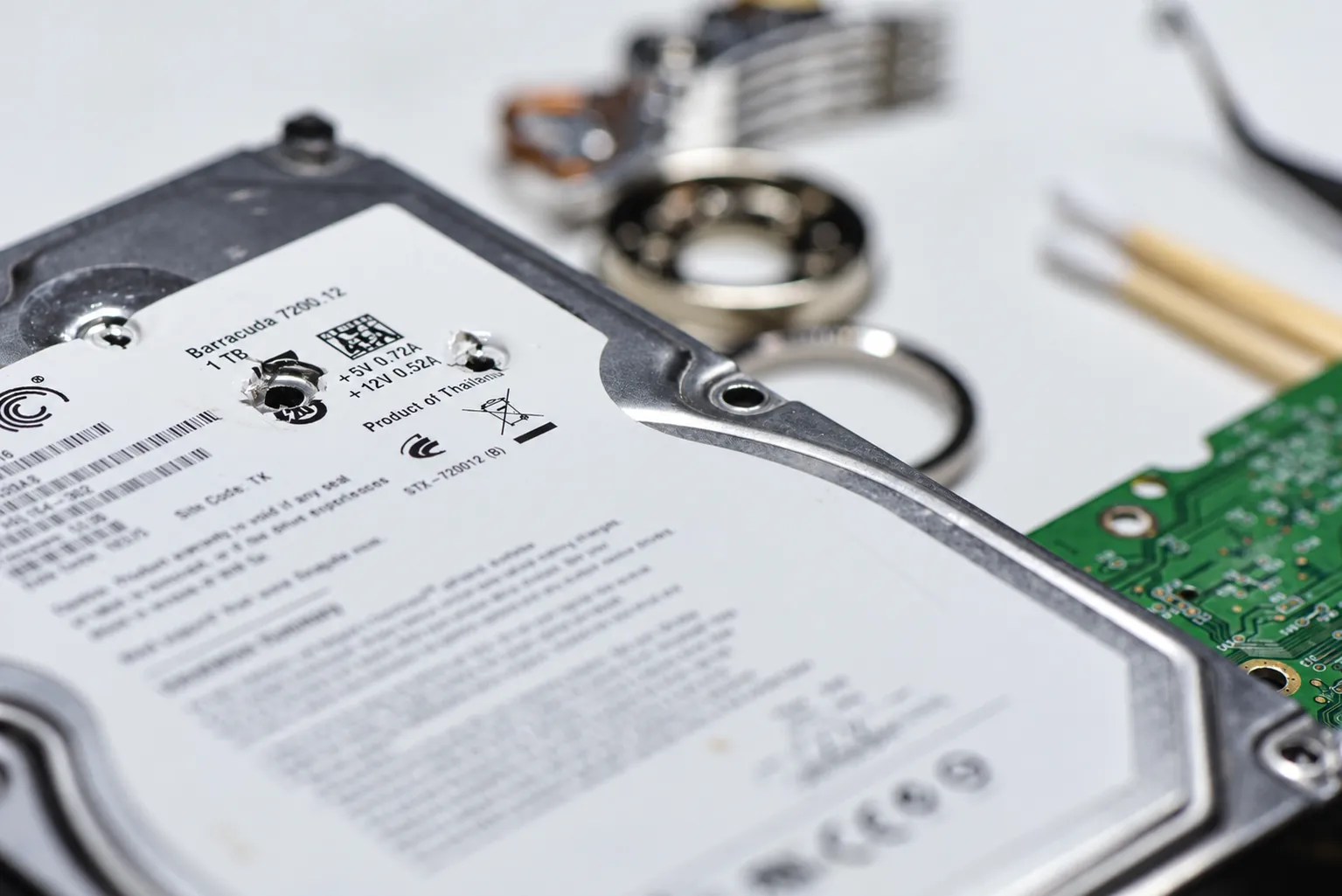
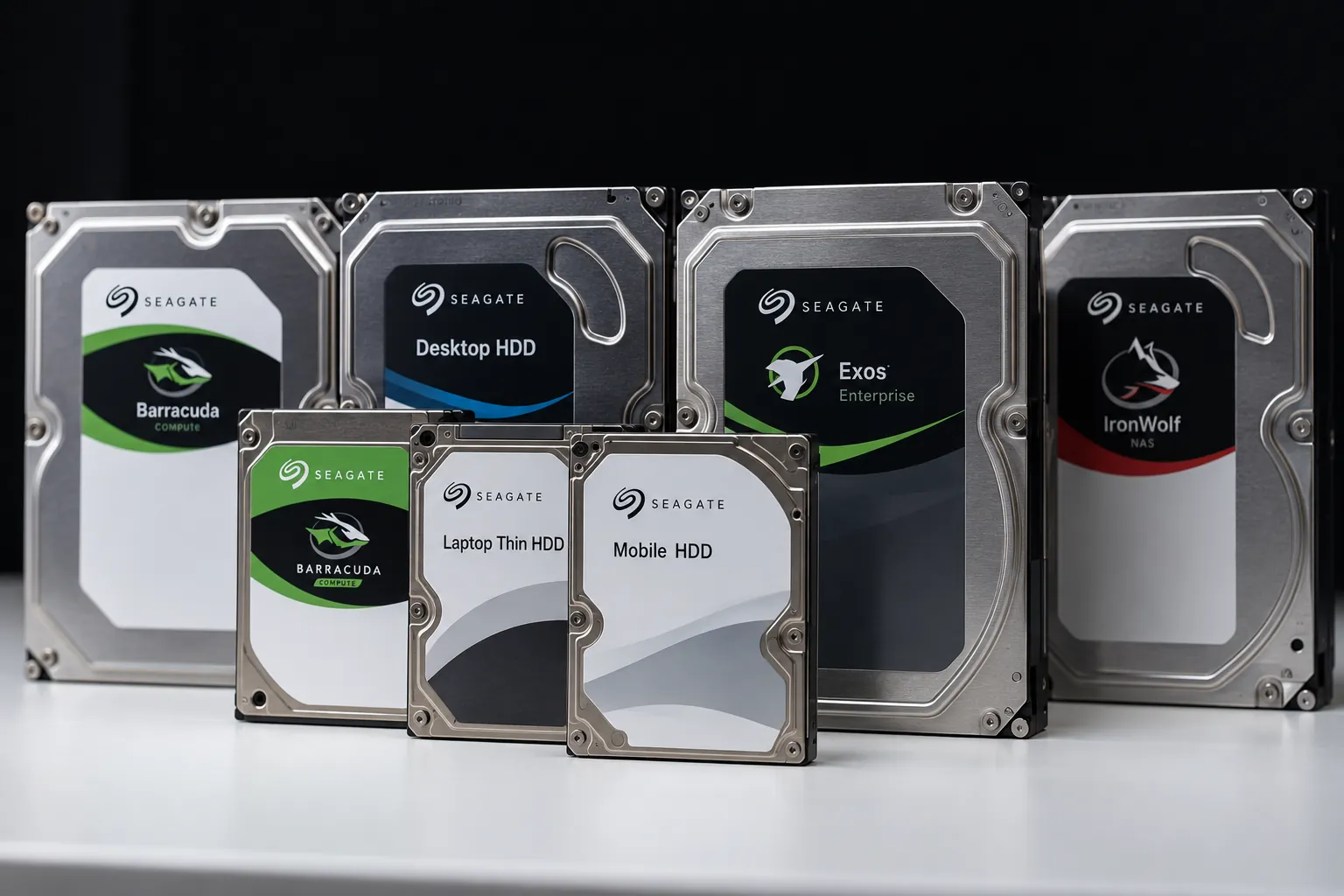
Seagate has produced several generations of desktop, laptop, NAS, surveillance and enterprise hard drives. Older Barracuda and Momentus platforms can behave very differently from newer high-density laptop drives, modern multi-platter desktop models or current Exos-class storage.
The model number, firmware family, head configuration and recording technology matter when diagnosing a failed drive. A procedure that is appropriate for one Seagate family may be ineffective or unsafe on another.
We evaluate the actual media first: whether the drive can initialize, whether firmware and Service Area structures remain accessible, whether mechanical damage is present and which surfaces can be imaged safely.
The sound or symptom is only the starting point. The same outward behavior can have several possible causes, so continued power-on testing is not a substitute for diagnosis.
Clicking may involve damaged heads, weak heads, firmware access problems or recording-surface damage.
A stalled spindle, stuck heads or internal mechanical damage can prevent normal startup.
Firmware, Service Area, electronics or unstable heads can prevent proper identification even when the drive still powers on.
Impact damage and previous recovery work can change the condition of the heads, platter surfaces and donor requirements.
Seagate Rosewood drives are thin 2.5-inch platforms commonly found in laptops and portable storage. When they suffer head failure or media damage, recovery can become difficult because the drive may deteriorate rapidly and replacement heads can be vulnerable to damaged recording surfaces.
Firmware access, head condition and the ability to image individual surfaces selectively can all become important. A drive that still identifies intermittently should not be repeatedly scanned or power-cycled simply to see whether it comes back.
Read: Seagate Rosewood Series Drives →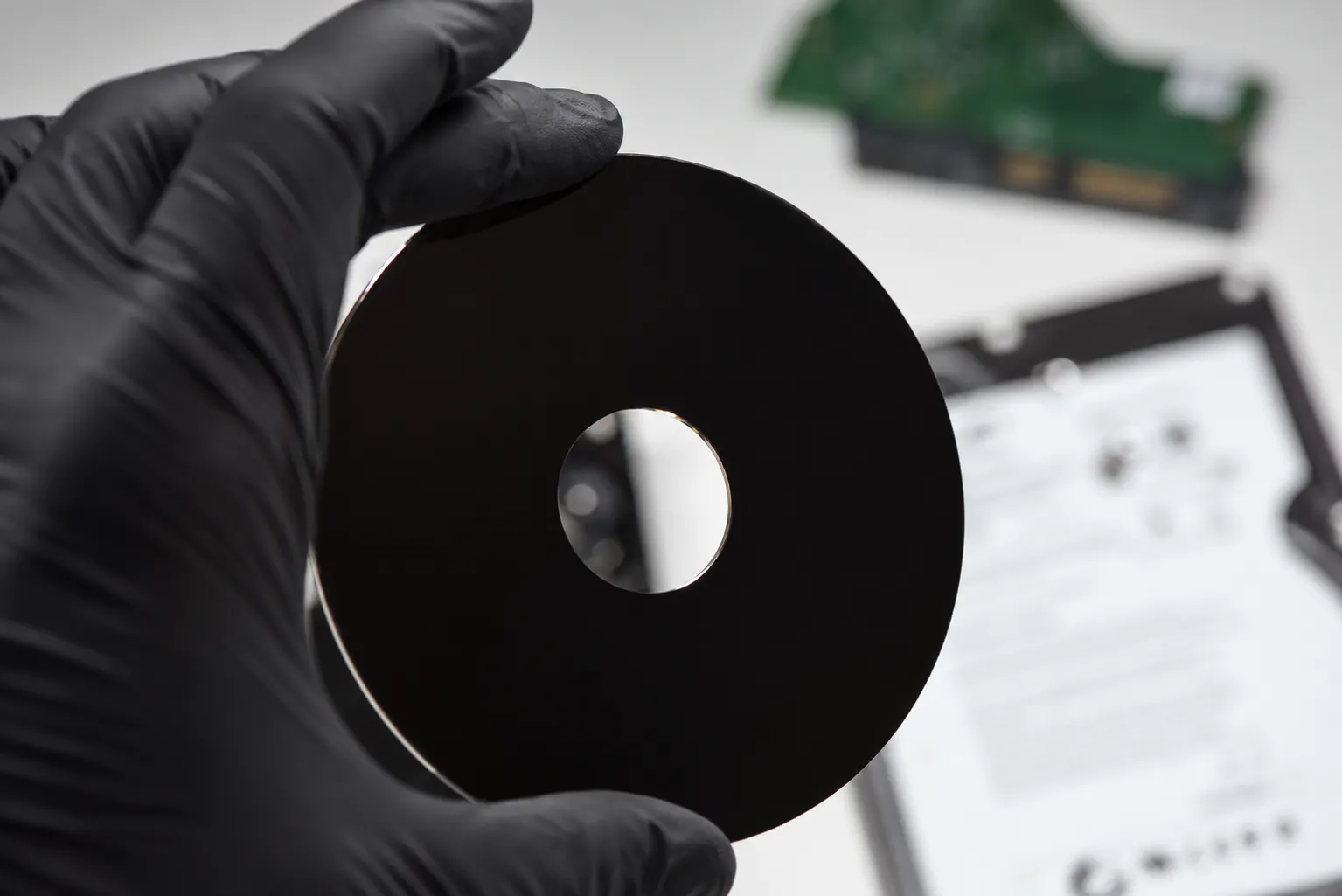
Seagate drives rely on firmware and drive-specific information stored in reserved areas of the media. If critical Service Area information cannot be read, the drive may fail to initialize even when the electronics and spindle appear normal.
Mechanical cases may also require compatible donor heads or other parts. Matching capacity alone is not enough; model family, head map, firmware generation, manufacturing details and platform compatibility can all matter.
When damaged media is involved, the goal is usually controlled imaging rather than forcing the drive through a conventional full read. Healthy surfaces and important regions may be prioritized before unstable areas are attempted.
We accept Seagate recovery cases by tracked shipment from across Canada, the United States and internationally. That includes routine failures, physically damaged drives and difficult cases that have already been attempted elsewhere.
Open a recovery case before shipping so the device can be matched to your contact information and symptoms when it arrives. If the drive has already been opened or donor parts were supplied by another provider, include that history with the case.
Tell us what happened and what data you need recovered. You do not need to diagnose the failure yourself.
If you know the model, capacity or product family, include it in the description. Also tell us if the drive was dropped, opened, previously repaired or already sent to another recovery company.
Start with what you know. We can identify the exact platform during evaluation.
Seagate desktop, laptop, NAS, surveillance and enterprise drives can require very different procedures. The first step is identifying the actual platform, its condition and what has already happened to it.