
Dropped or Impact-Damaged
A fall can damage the head assembly, parking system or recording surfaces even when the enclosure itself looks intact.
Data recovery for Western Digital hard drives, portable external drives, enterprise storage and WD SSD/NVMe media — from older conventional models to current high-capacity and technically difficult families.
A WD drive that clicks, stops responding, is no longer detected or has been physically damaged can require very different recovery work depending on the exact platform inside the enclosure. The Western Digital name covers several generations of drives with very different firmware, electronics, encryption and mechanical designs.
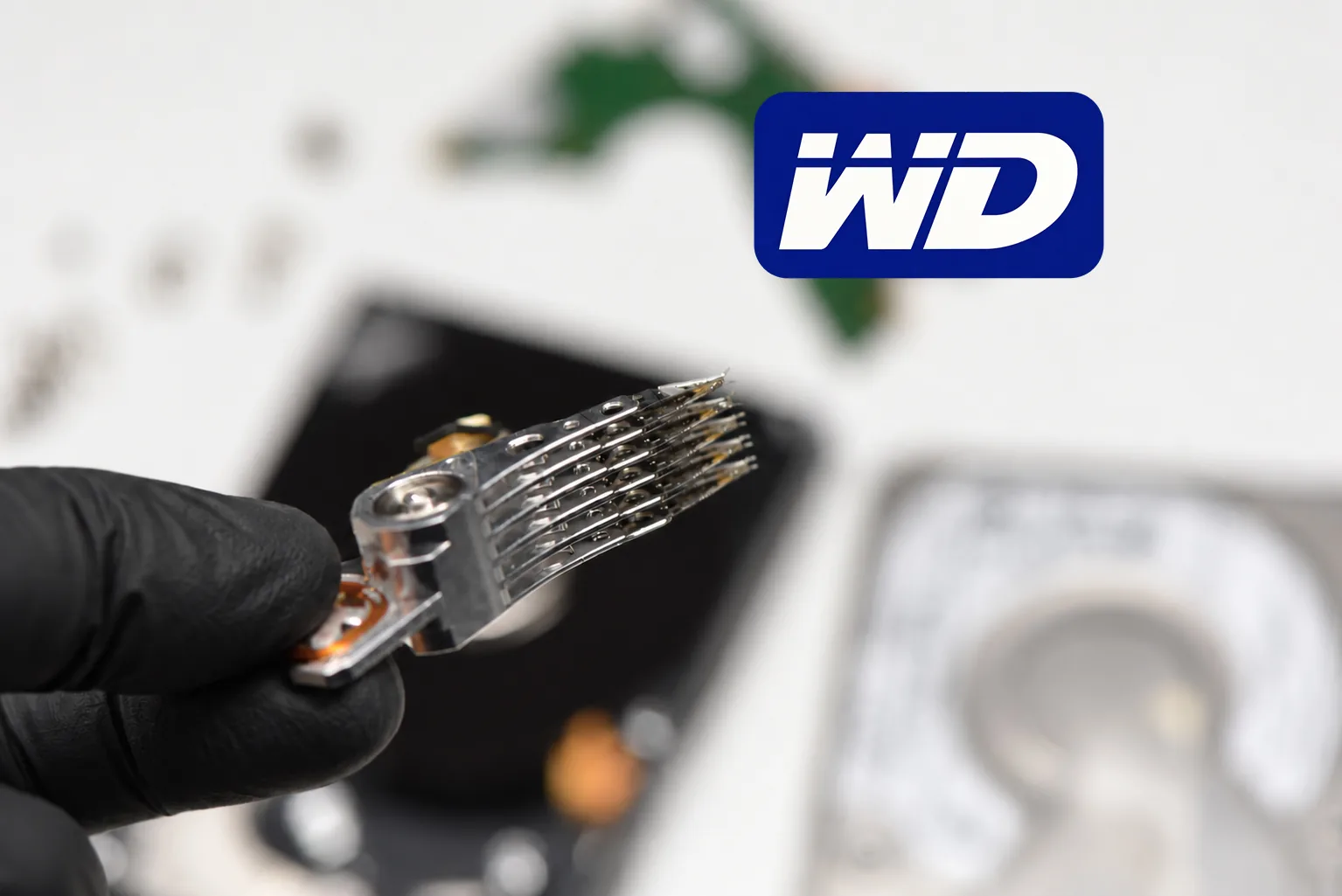
Older Western Digital hard drives are often comparatively conventional from a recovery perspective. Their electronics, firmware structures, donor requirements and mechanical construction are well understood, and many mature families have been studied for years.
Newer WD drives are considerably denser and may incorporate more complex firmware, adaptive information, encryption and platform-specific behavior. The recovery procedure that works for an older desktop drive cannot simply be applied to a modern portable model.
Current high-capacity and enterprise drives add another level of difficulty. WD Gold and Ultrastar platforms can involve helium-filled construction, high platter counts, advanced firmware and SATA or SAS interfaces depending on the model. WD SSD and NVMe products introduce an entirely different recovery problem centered on controller behavior, NAND, firmware, mapping and encryption. Diagnosis has to begin with the exact device and failure, not simply the WD logo on the enclosure.
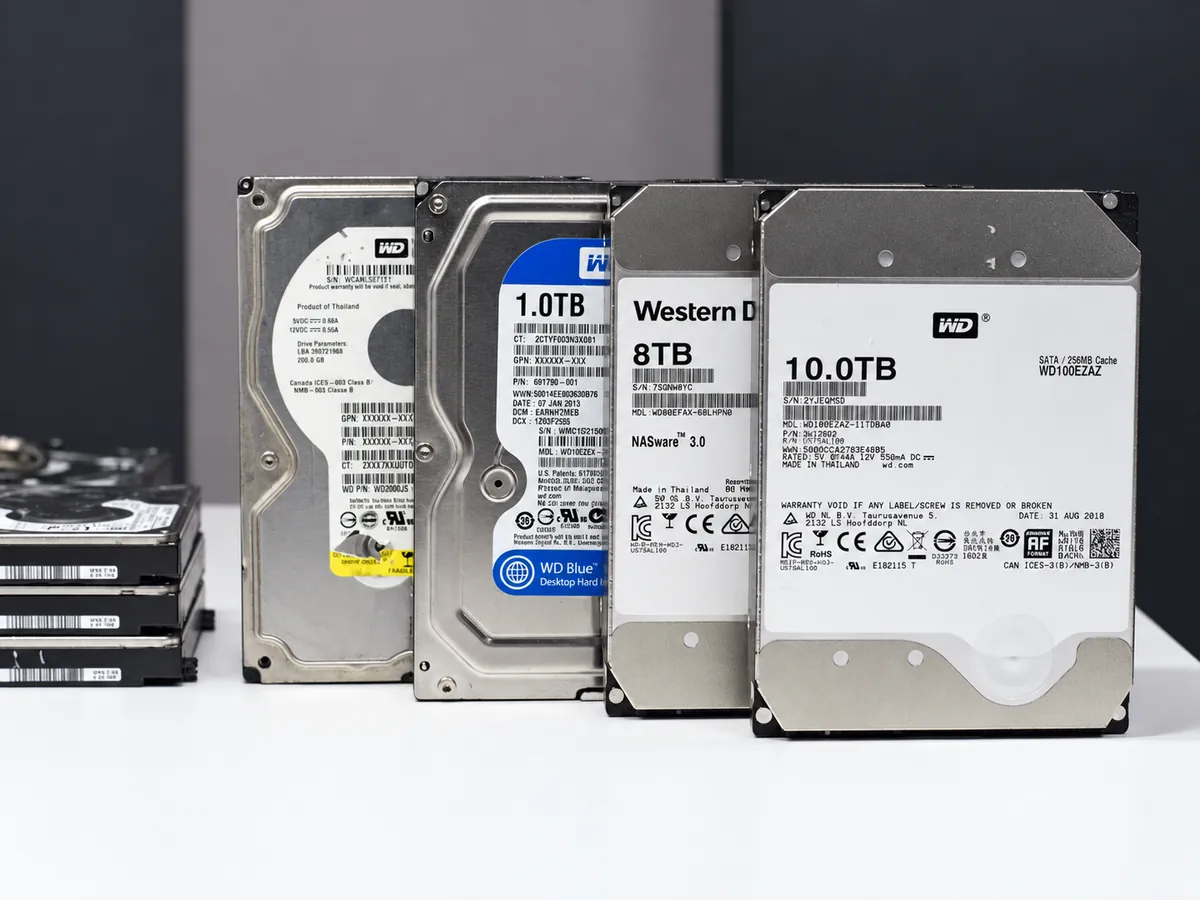
Western Digital uses several product families across desktop, NAS, surveillance, enterprise, external and solid-state storage. Select a family below to see the typical form factor, intended workload and recovery considerations. Exact internal platform and revision still matter more than the family name alone.
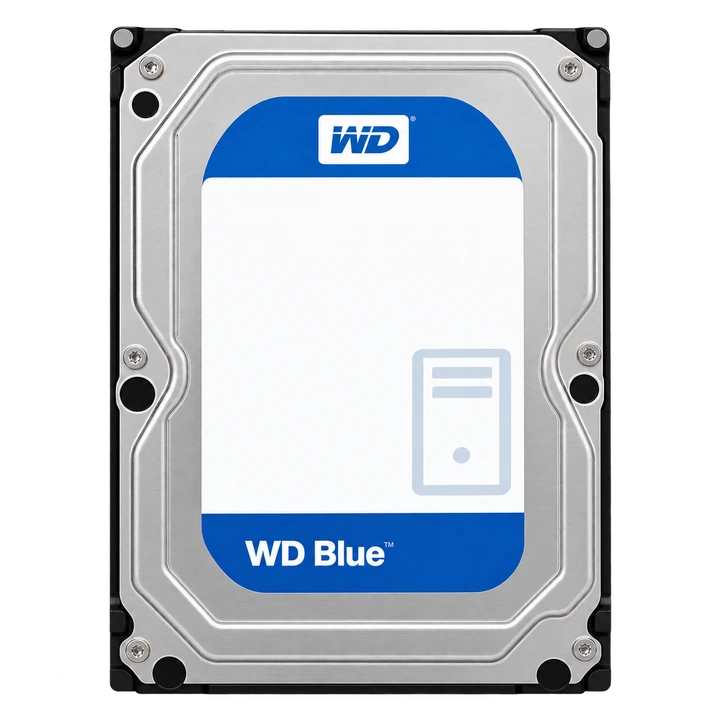
WD Blue spans mainstream consumer storage across multiple generations. Older conventional HDD platforms can be well understood, while newer revisions may use very different mechanics, firmware and recording technology.
WD portable and desktop external drives are widely used for backups, photographs, video libraries and general personal storage. They also arrive for recovery with a predictable range of mechanical and electronic failures.
A fall can damage the head assembly, parking system or recording surfaces even when the enclosure itself looks intact.
Repeated seeking can indicate head problems, damaged media, firmware access problems or a combination of faults.
A non-detected WD external drive may have a USB-board problem, firmware problem, mechanical failure or an internal drive that can no longer initialize correctly.
Some WD external platforms use native USB electronics and hardware encryption. Moving the platters or changing the PCB does not automatically produce accessible user data.
Spyglass-family Western Digital portable drives are a good example of why a modern WD recovery cannot be treated like an older conventional hard drive. Firmware dependencies, encryption, drive-specific adaptive information and difficult mechanical failures can all affect the recovery path.
When a Spyglass drive has also suffered head or media damage, recovery may require several stages: preserving native firmware information, preparing compatible donor components, stabilizing individual heads or surfaces and imaging the drive selectively rather than attempting a normal full read.
Read: Challenges of Recovering Data from WD Spyglass Family Drives →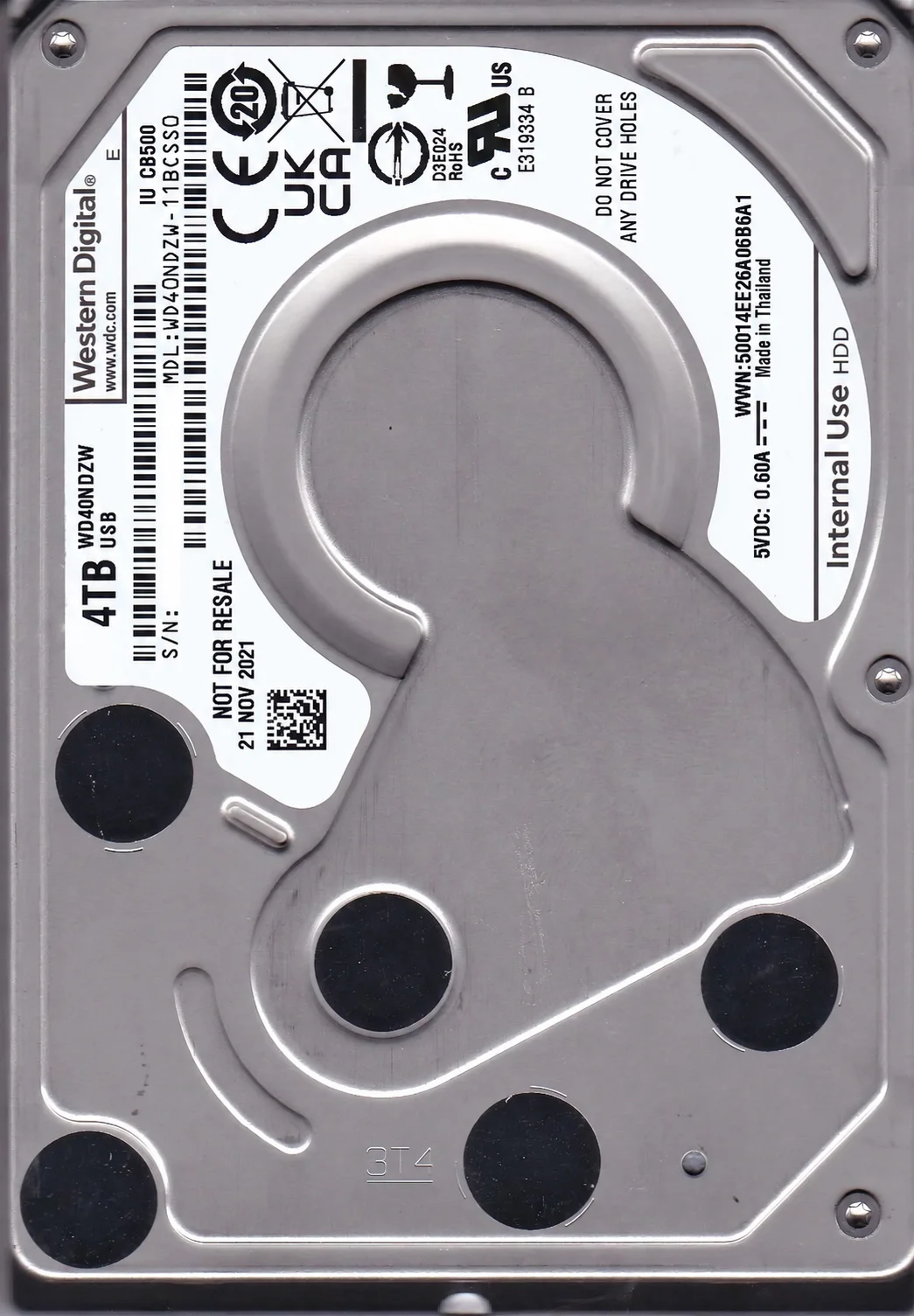
Mechanical Western Digital recoveries may require one or more compatible donor drives for head assemblies, electronics or other components. Compatibility is much more specific than matching the capacity printed on the label.
Model family, manufacturing details, head configuration, firmware generation and other platform characteristics can determine whether a donor is useful.
Donor availability and pricing can also vary sharply. Some families are inexpensive and easy to source while others have become much harder to obtain, particularly when a specific older revision or uncommon configuration is required. For difficult cases requiring several donors, parts availability can affect both cost and turnaround time.
This Western Digital drive arrived after two previous professional recovery attempts. The drive had already been opened and showed both contamination and platter damage.
Heads 7 and 9 were contaminated, scratching was present on the media, and the recovery required selective surface imaging rather than a conventional full-drive read. The Service Area remained accessible, which preserved a path forward.
Three donor drives were ultimately used. The case required approximately four and a half months of work and produced roughly 70% recovery.
View This and Other Second-Attempt CasesTell us what happened and what data you need recovered. You do not need to diagnose the drive yourself or know the exact technical failure.
If you know the model, capacity or WD product family, include it in the description. If the drive was dropped, opened, previously repaired or already sent to another recovery company, mention that as well.
Start with what you know. We can identify the exact platform during evaluation.
Older Western Digital drives, modern portable models and current high-capacity platforms can require very different procedures. The first step is identifying the actual drive, its condition and what has already happened to it.