Proper packaging helps protect your storage media while it is in transit. Before sending a hard drive, SSD, memory card, flash drive or other storage device to our facility, follow the steps below to reduce movement and help prevent additional physical damage during shipping.
Please open a recovery case before shipping your media. Once your case has been reviewed, we will provide your Case ID and the appropriate shipping instructions.
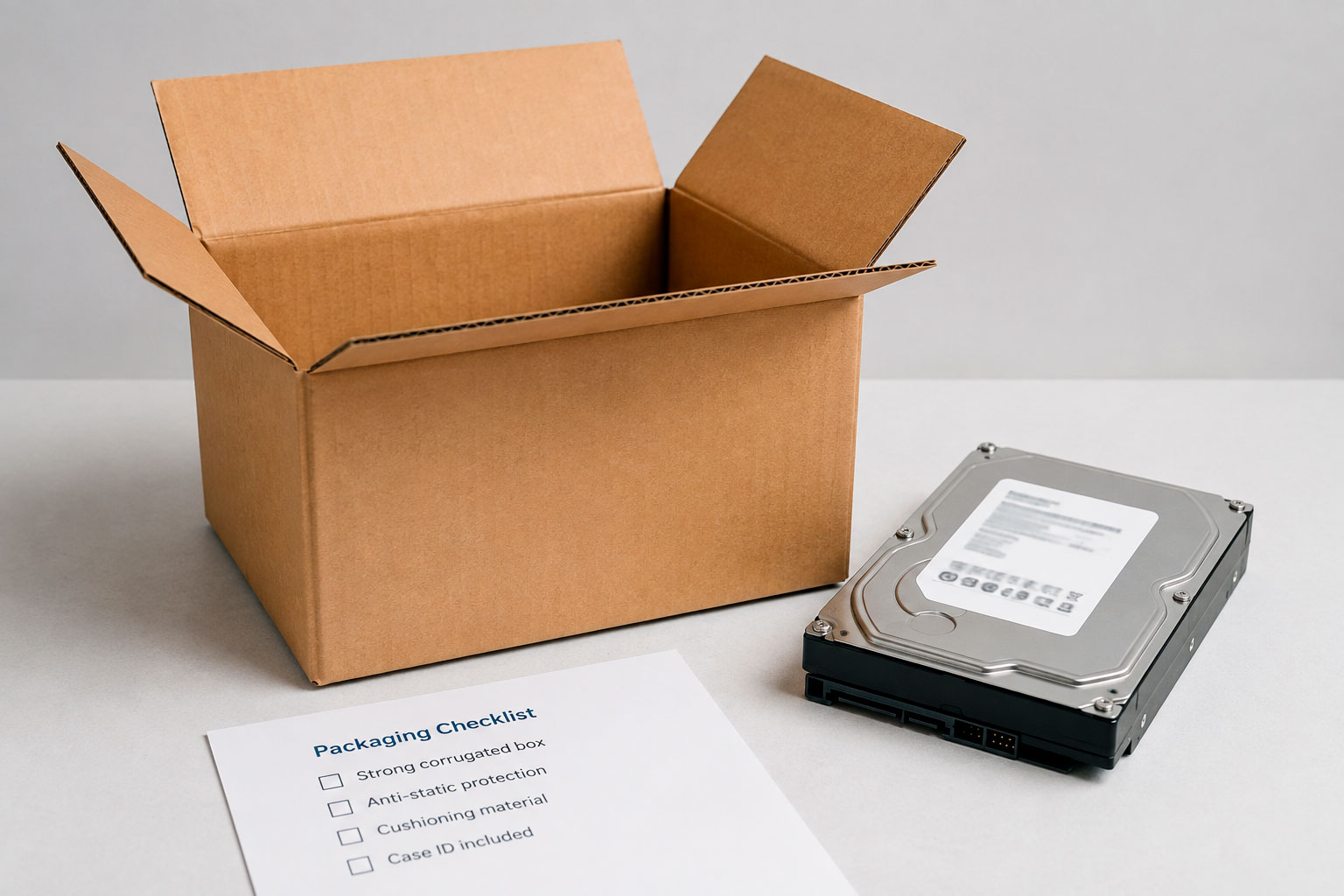
Choose a sturdy box large enough to allow protective cushioning around the storage device on every side. The media should not be able to move freely once the package is sealed.
Avoid thin envelopes, padded mailers or boxes that are already damaged or weakened.
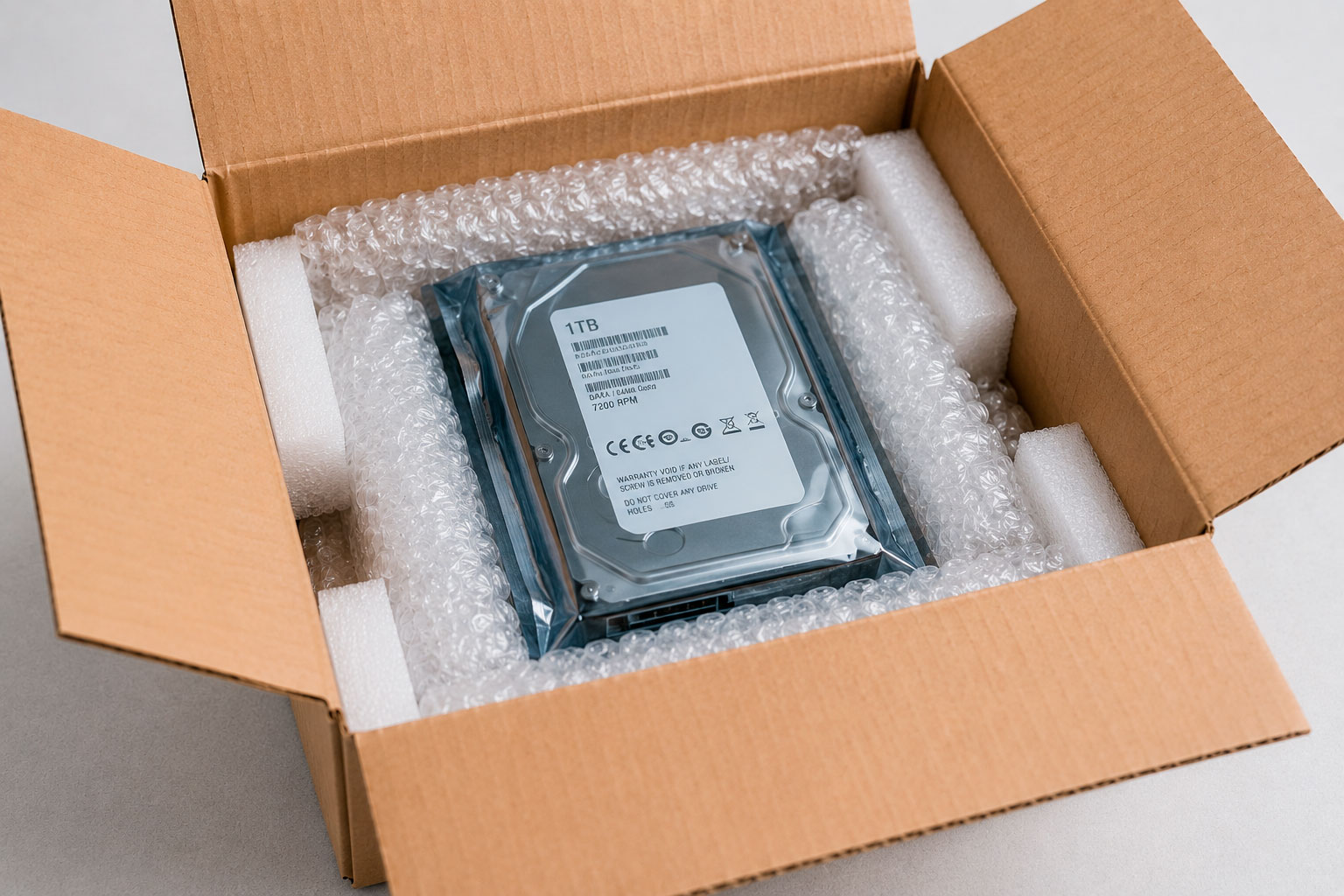
Place the storage device in an anti-static bag where appropriate and surround it with bubble wrap, foam or other protective cushioning.
Cushion the device on all sides, including the top and bottom of the box. The objective is to prevent the media from shifting or contacting the walls of the package during transit.
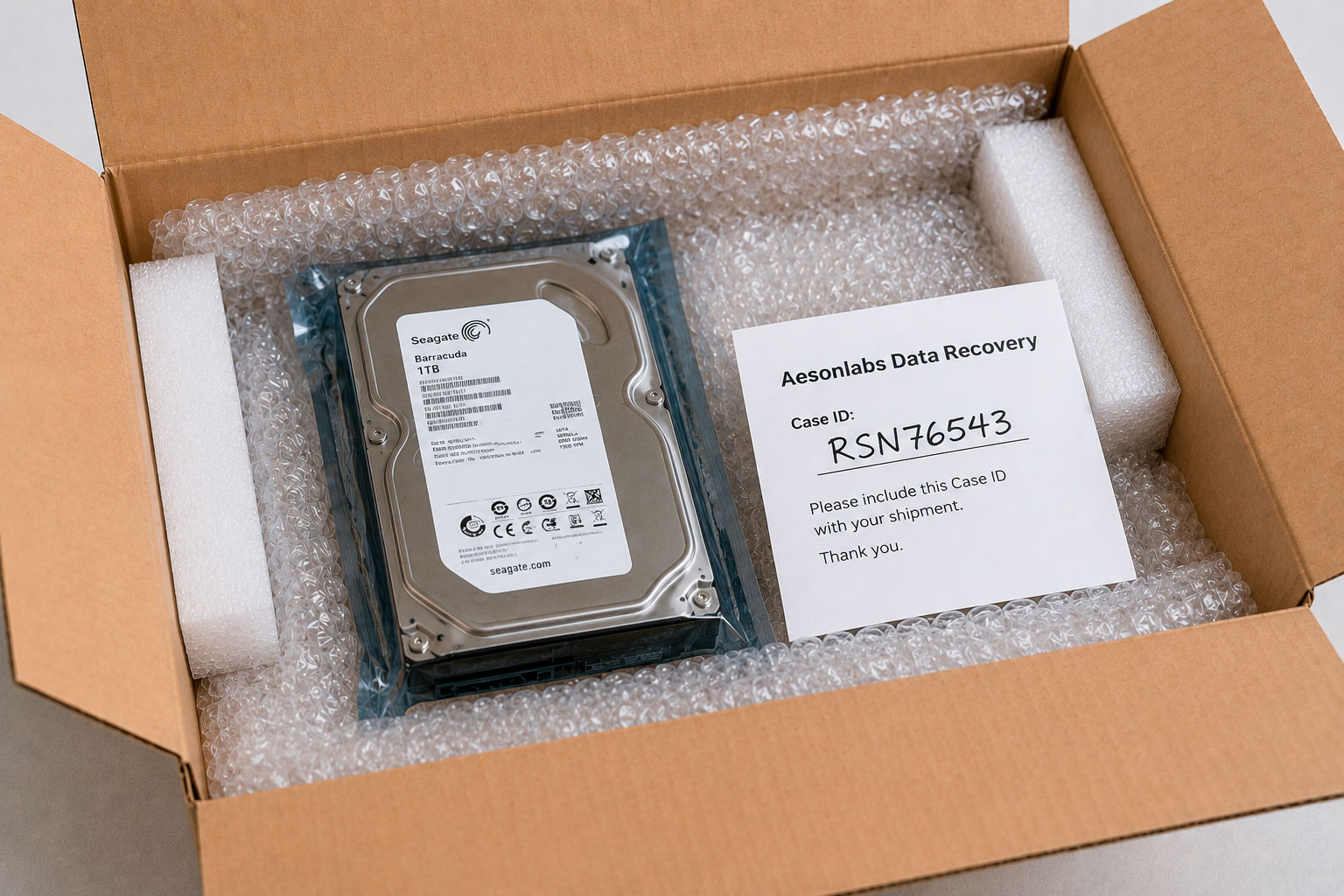
Include your Case ID with the shipment so the media can be matched to your recovery file when it arrives at our facility.
Write the Case ID clearly on a separate sheet of paper or packing slip placed inside the package. Do not place adhesive labels directly on exposed electronic components or circuit boards.
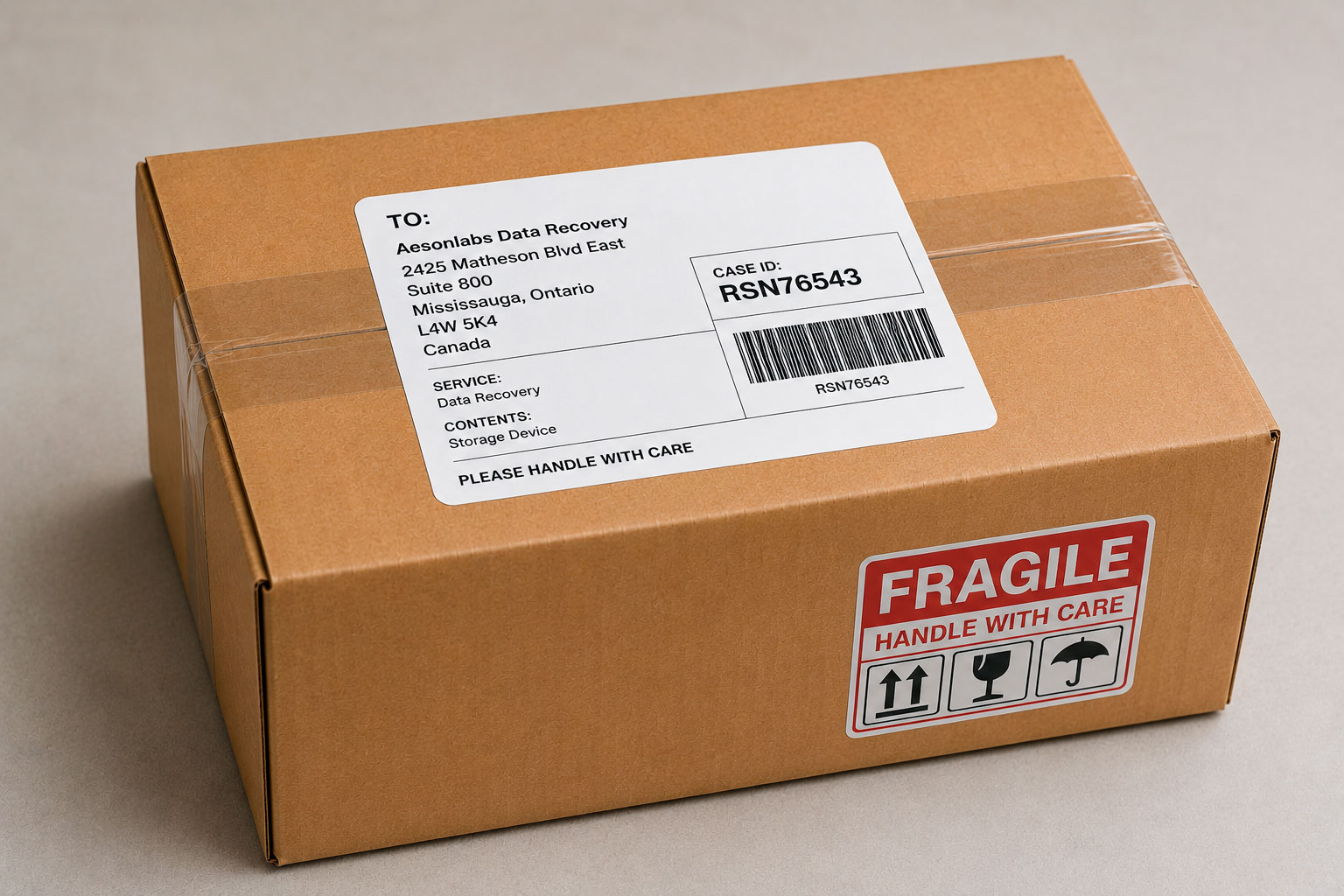
Seal the package securely with appropriate packing tape and attach the shipping label provided for your case, if applicable.
Keep your tracking information until delivery is confirmed. If you are arranging a local drop-off instead of shipping, please wait for your scheduled appointment before bringing the media to our facility.
Submit a recovery case before shipping so we can provide your Case ID and intake instructions.
Local media drop-off at our Mississauga facility is available by appointment only.
Call 1.888.833.8701 if you need help preparing your media for shipment.
